173 card designs, one request
Every card below is rendered by the same API call — only the design key changes. 47 layouts, each in up to eight distinct treatments: different typography, attribute styles, price badges, decoration and photo framing. Colours are a separate choice: any design takes any palette.
All designs
Mood
Recommended for
173 designs shown
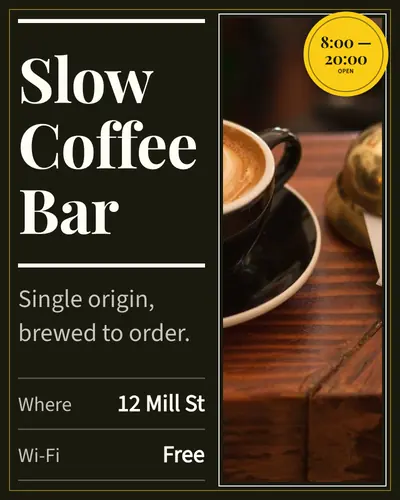
split-hero-01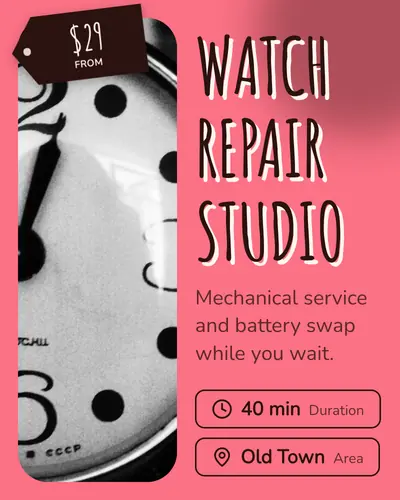
split-hero-02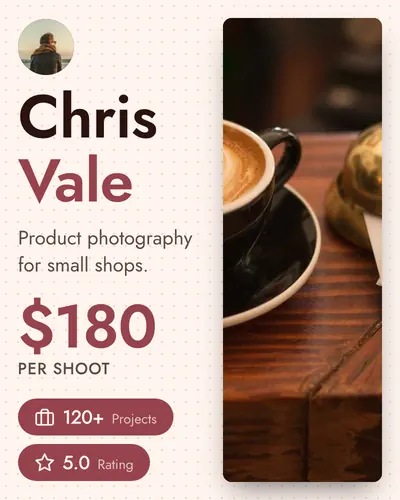
split-hero-03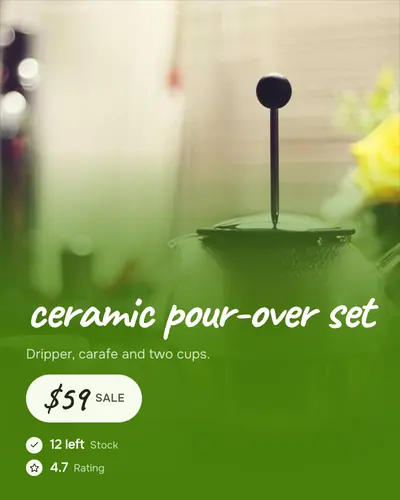
full-bleed-bottom-panel-01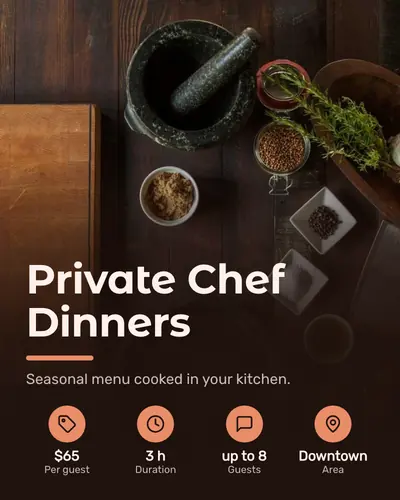
full-bleed-bottom-panel-02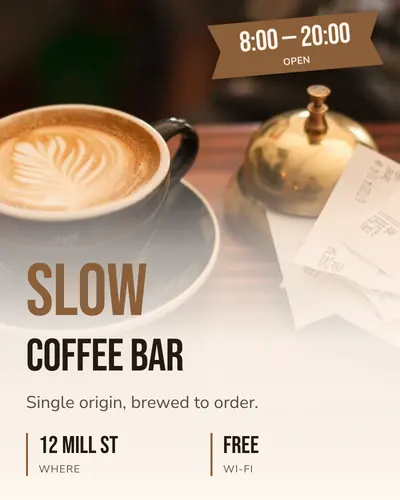
full-bleed-bottom-panel-03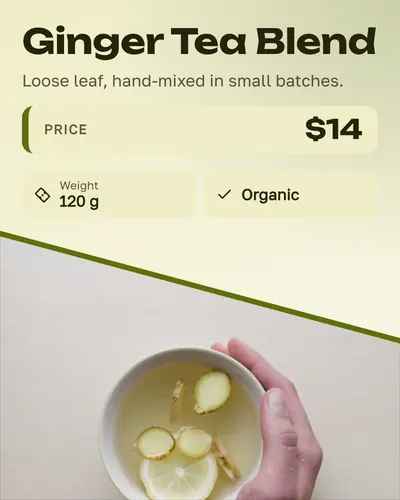
diagonal-split-01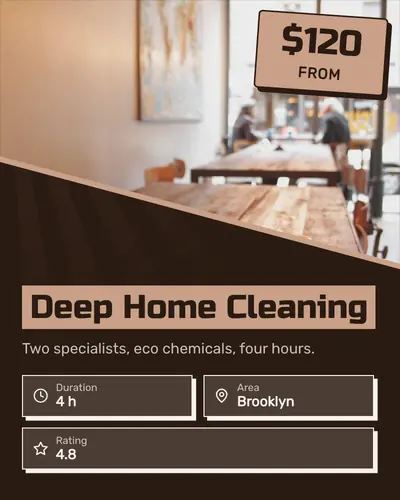
diagonal-split-02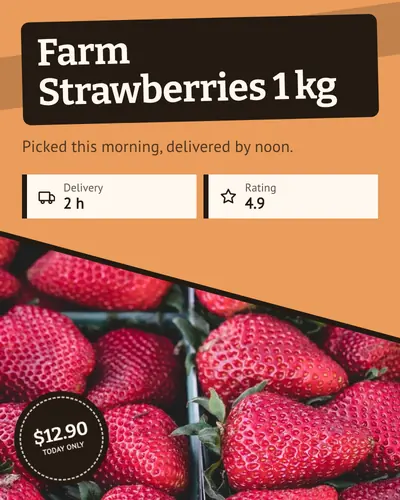
diagonal-split-03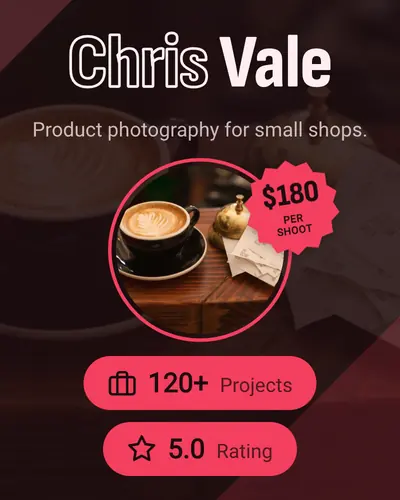
center-medallion-01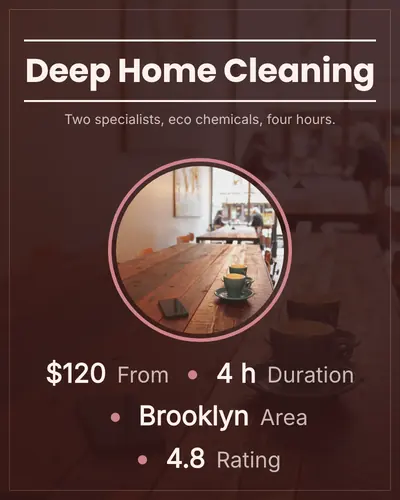
center-medallion-02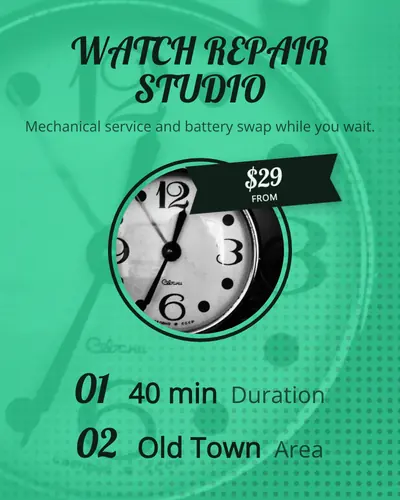
center-medallion-03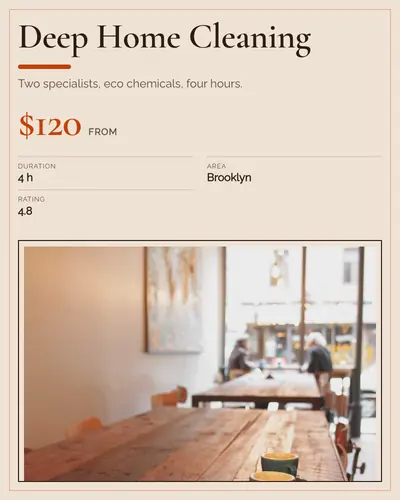
corner-badge-frame-01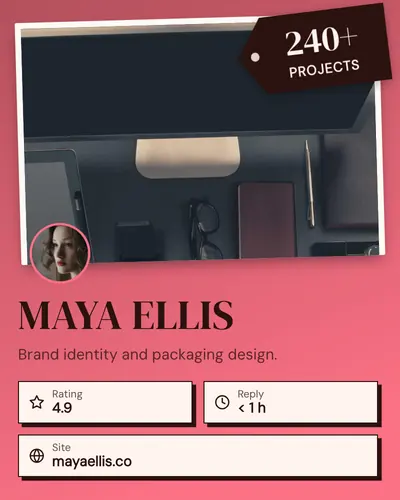
corner-badge-frame-02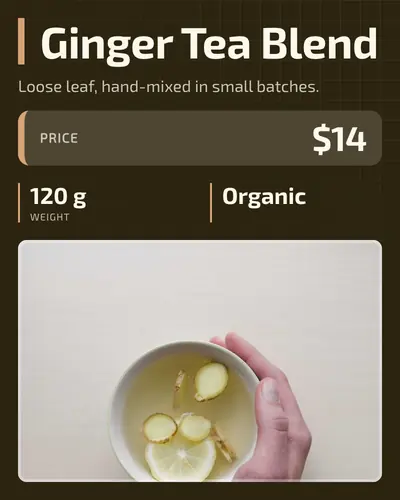
corner-badge-frame-03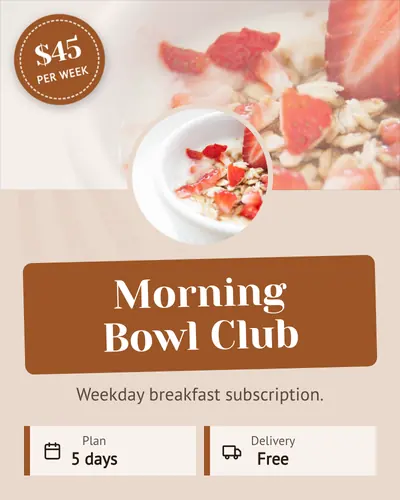
circular-avatar-dominant-01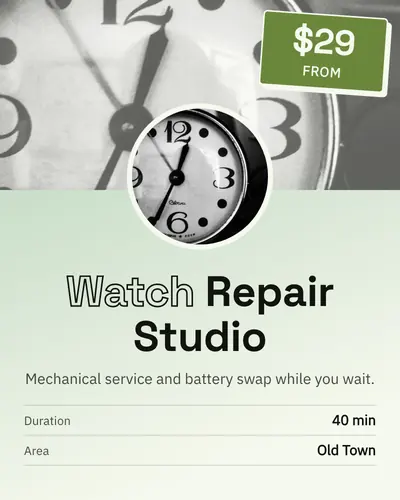
circular-avatar-dominant-02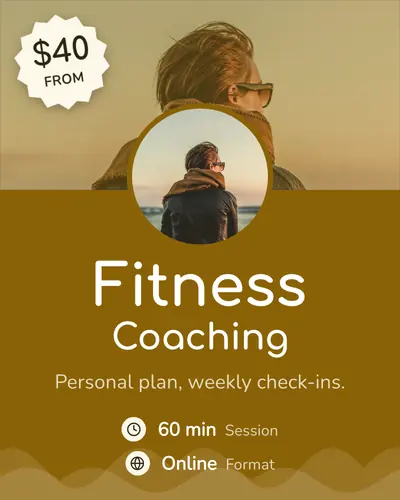
circular-avatar-dominant-03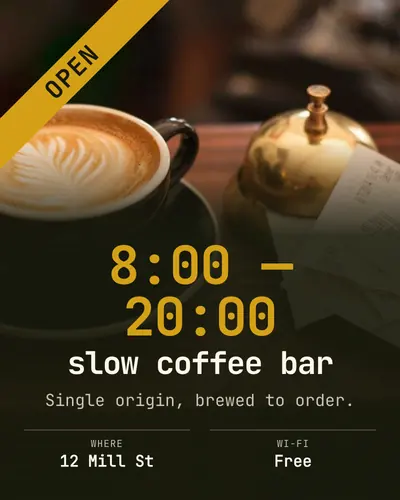
price-blast-01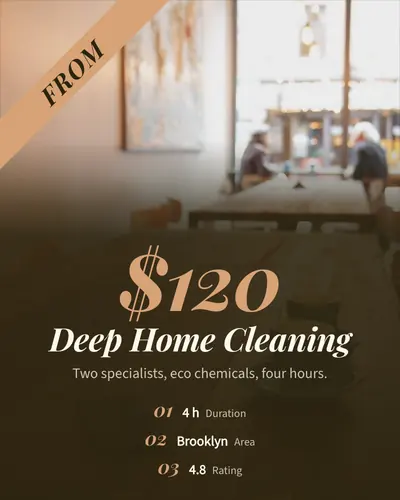
price-blast-02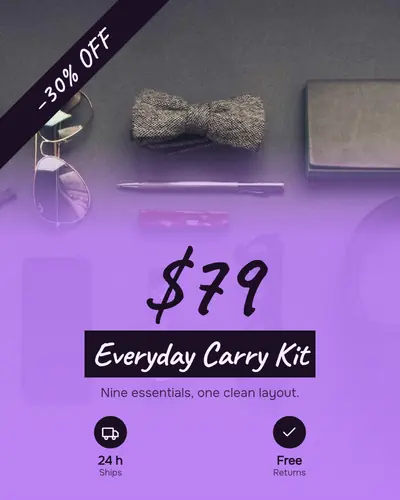
price-blast-03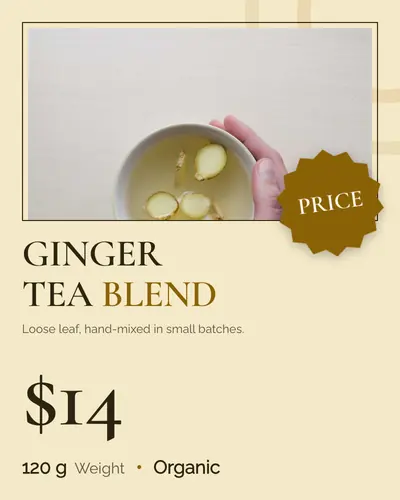
starburst-deal-01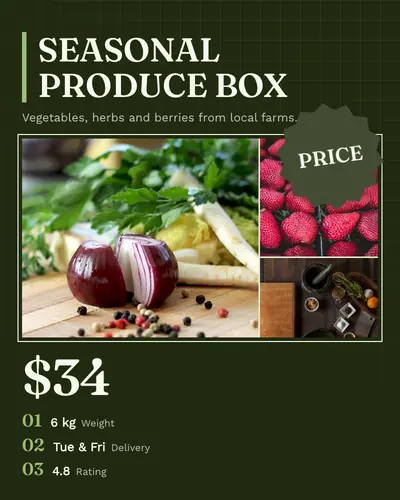
starburst-deal-02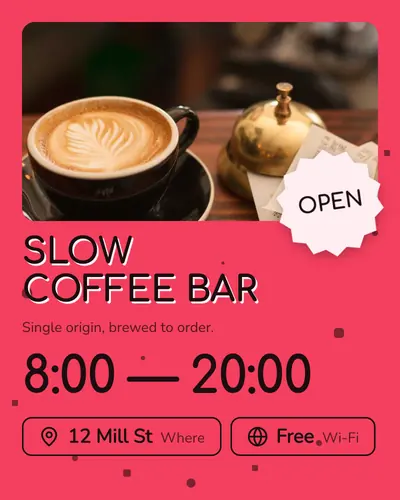
starburst-deal-03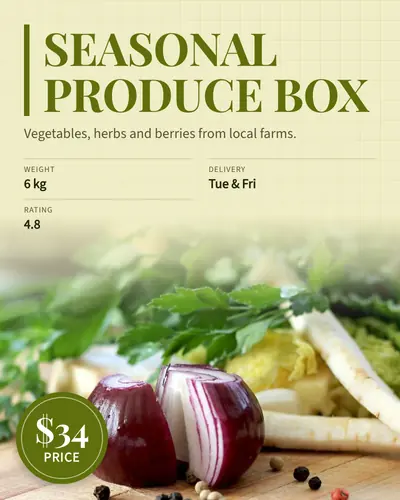
spotlight-promo-01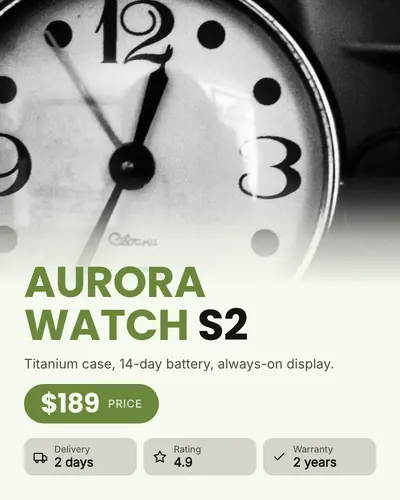
spotlight-promo-02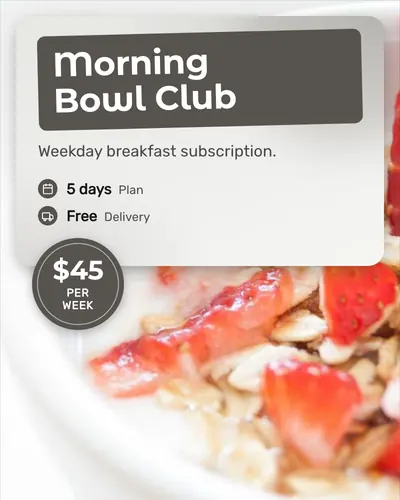
glass-panel-01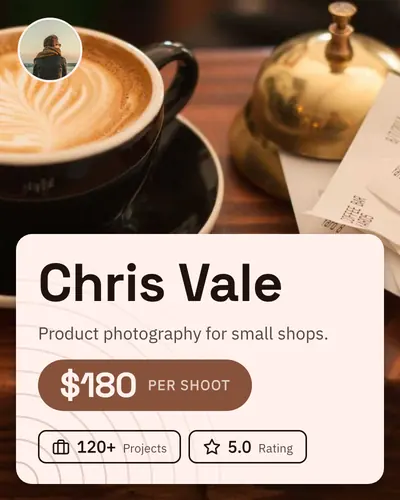
glass-panel-02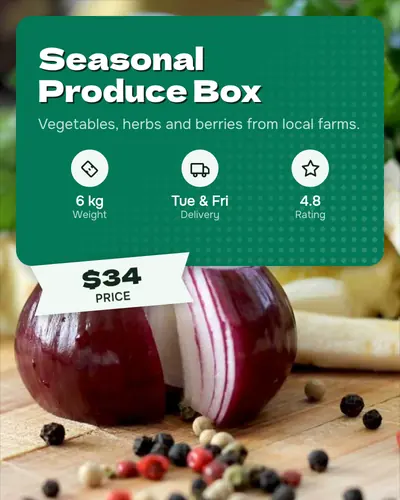
glass-panel-03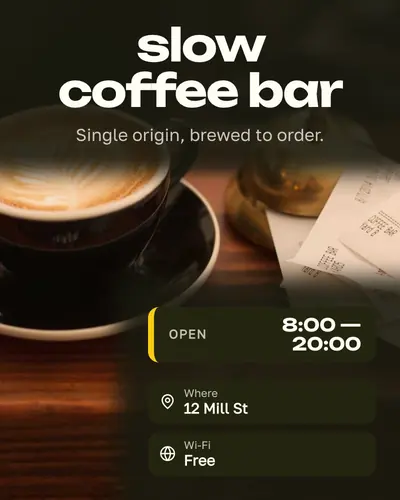
magazine-cover-01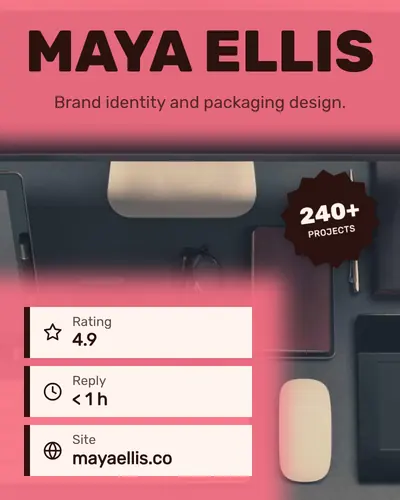
magazine-cover-02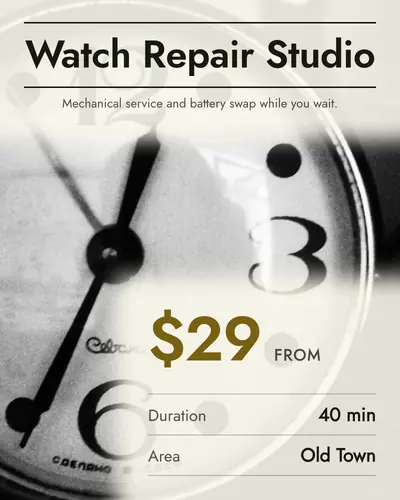
magazine-cover-03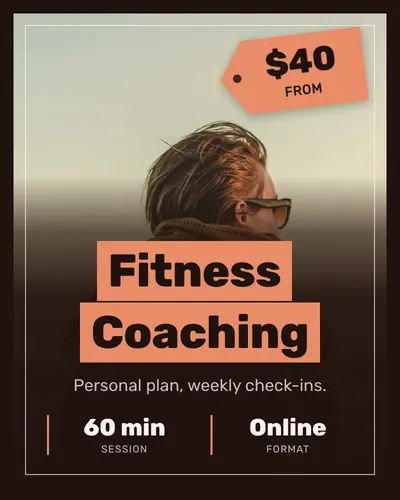
poster-frame-01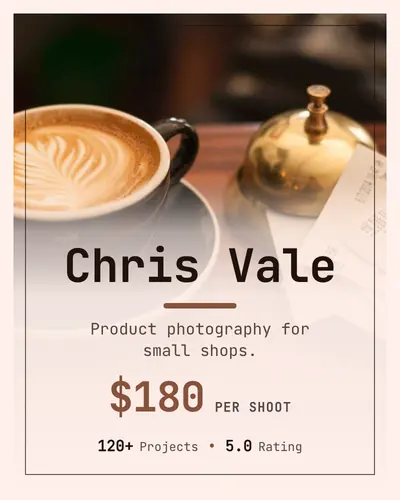
poster-frame-02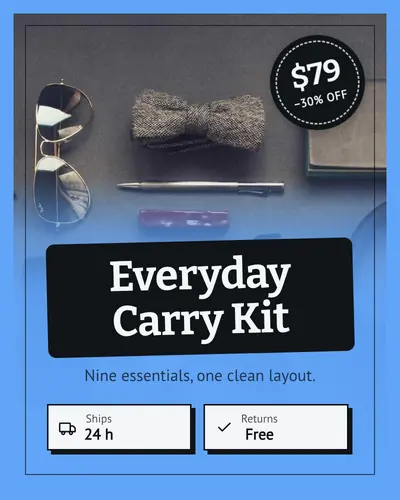
poster-frame-03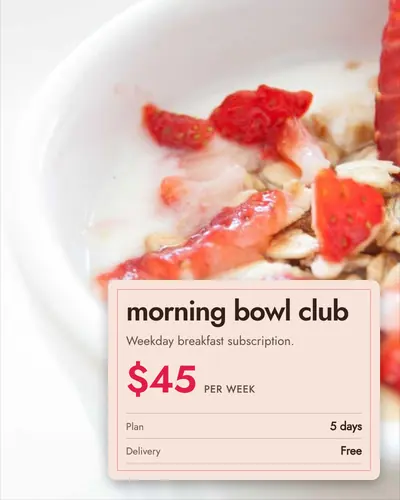
caption-card-01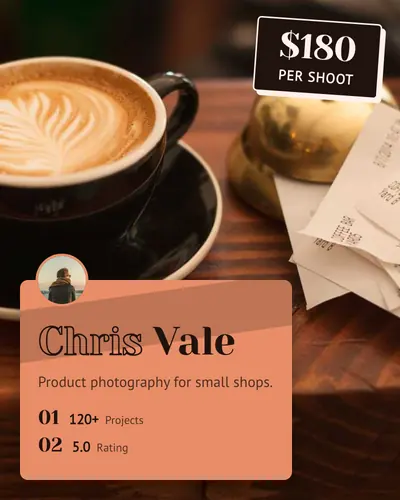
caption-card-02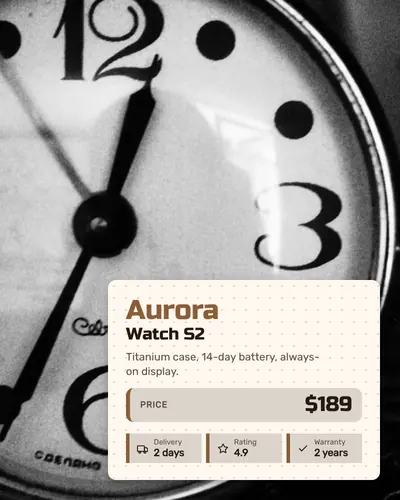
caption-card-03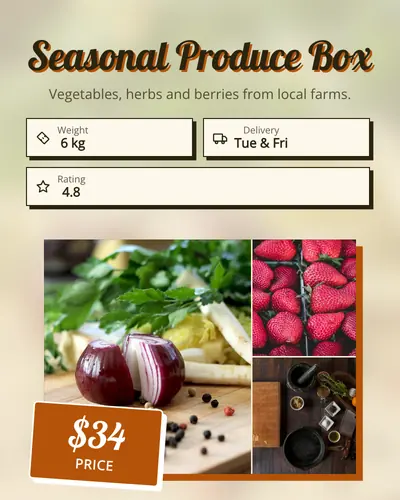
backdrop-frame-01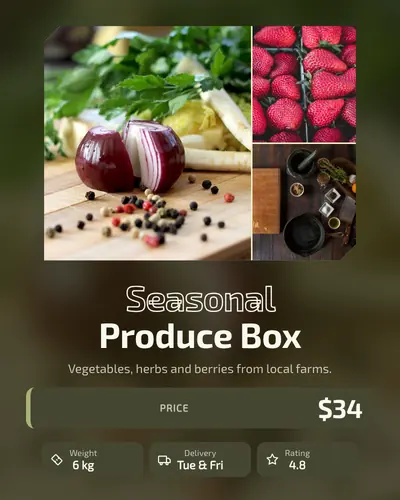
backdrop-frame-02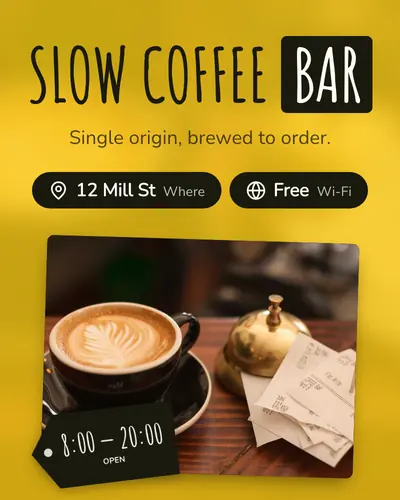
backdrop-frame-03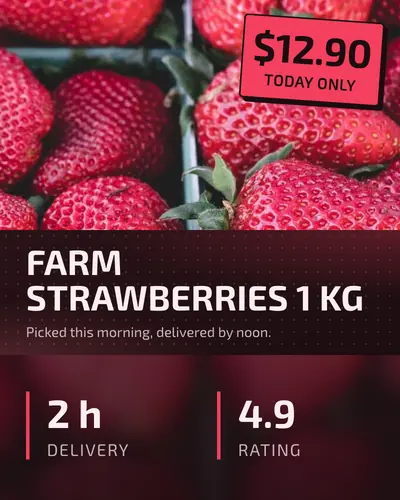
center-band-01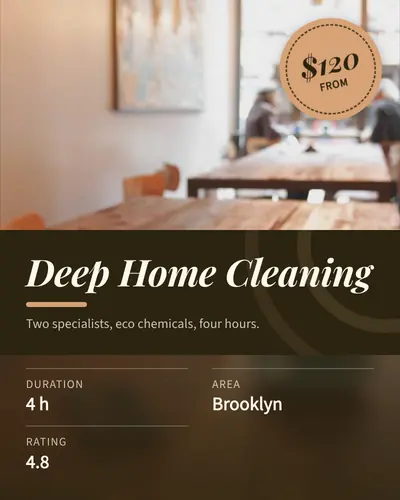
center-band-02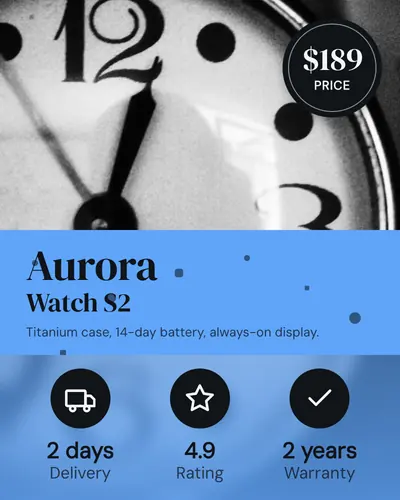
center-band-03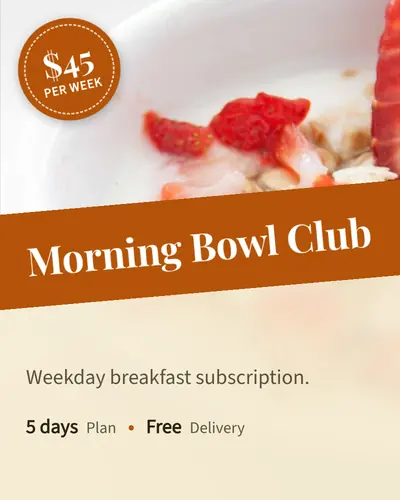
tilted-band-01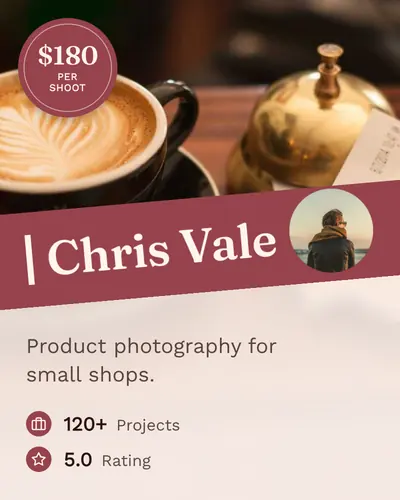
tilted-band-02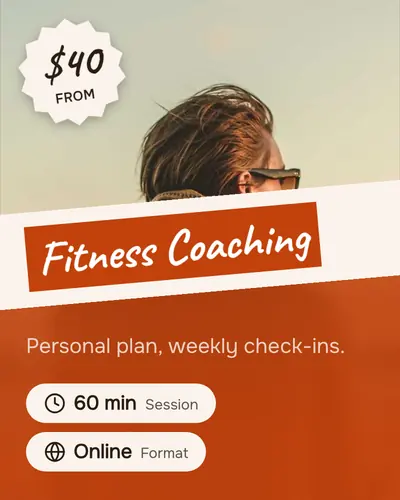
tilted-band-03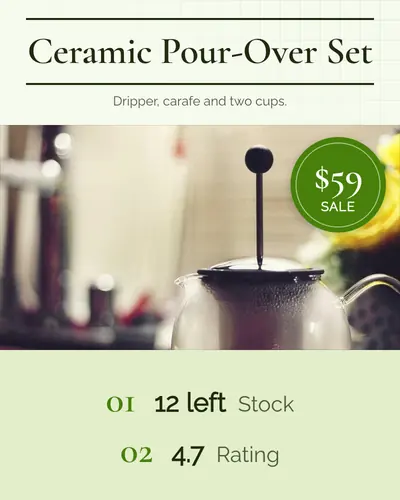
sandwich-01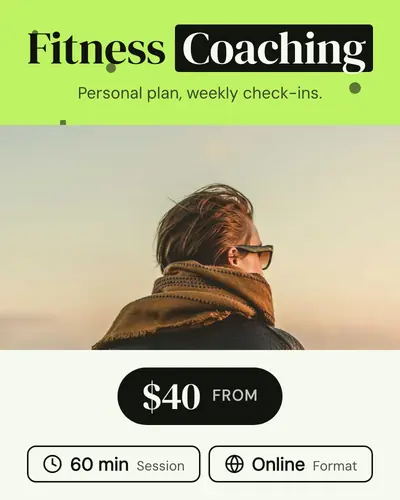
sandwich-02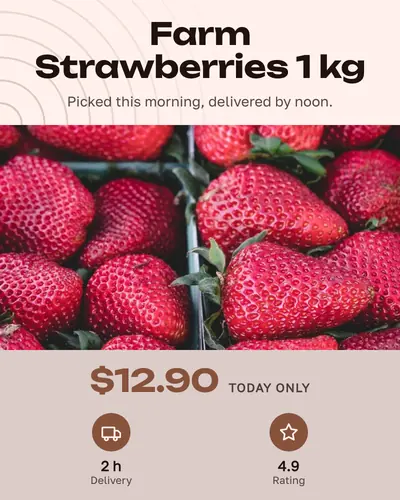
sandwich-03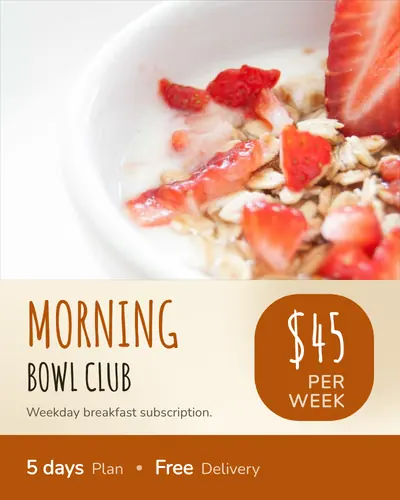
footer-bar-01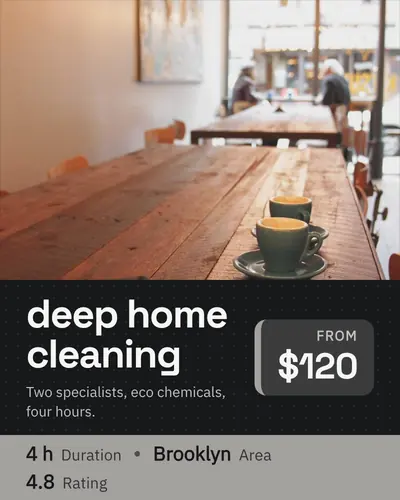
footer-bar-02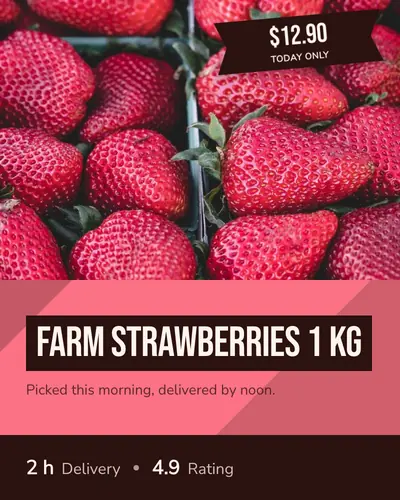
footer-bar-03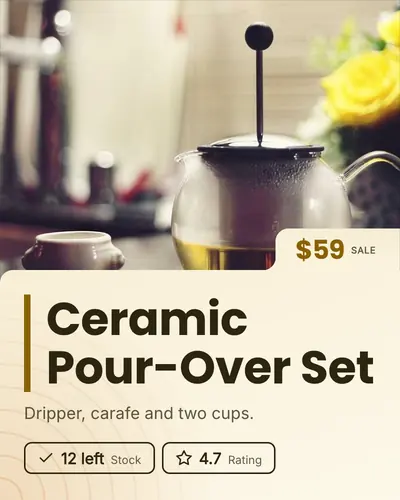
folder-tab-01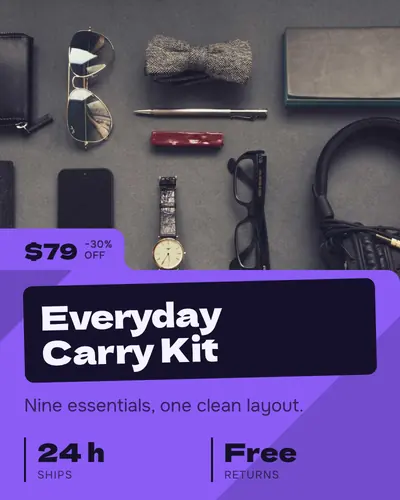
folder-tab-02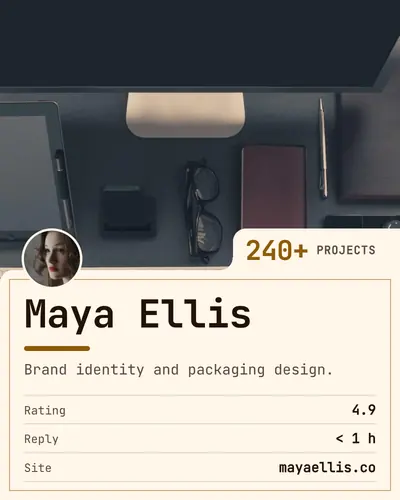
folder-tab-03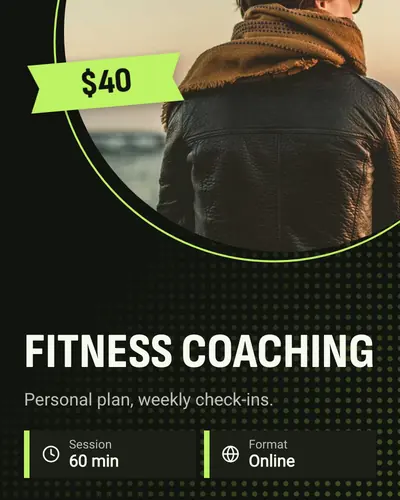
circle-cut-01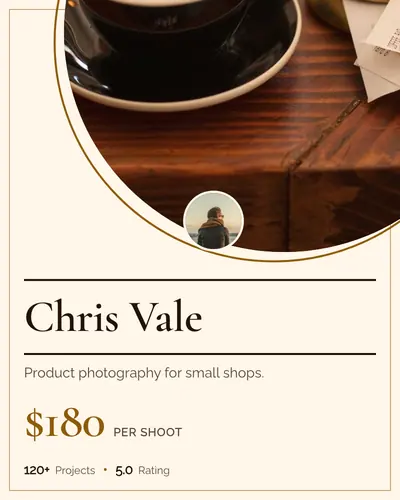
circle-cut-02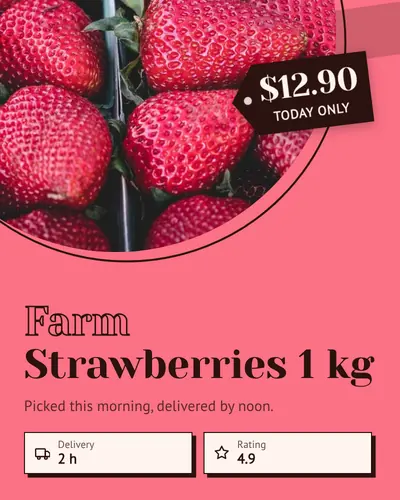
circle-cut-03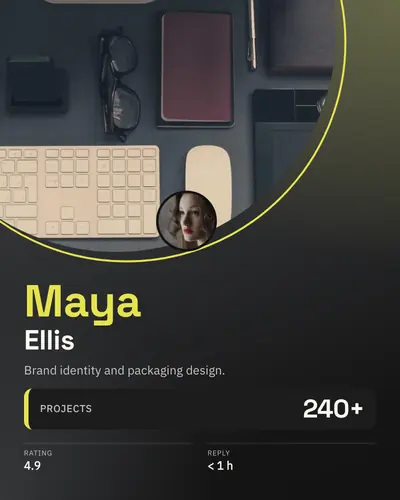
circle-cut-04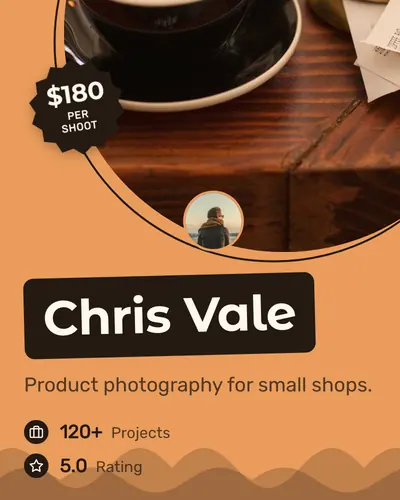
circle-cut-05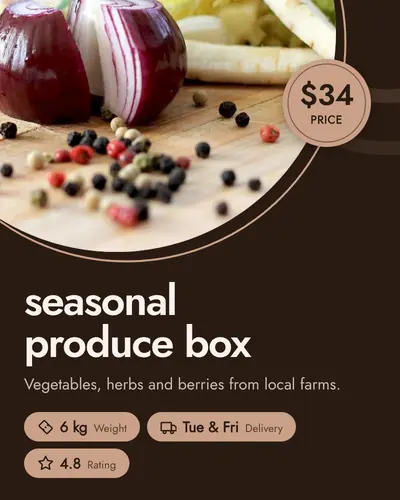
circle-cut-06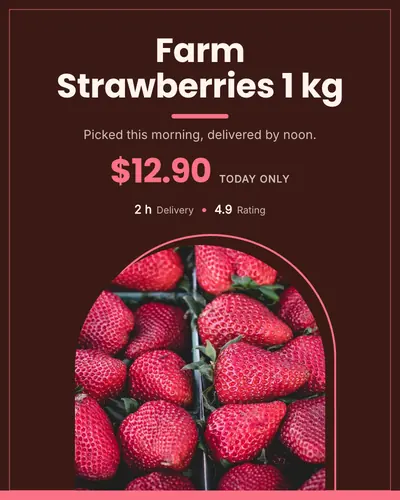
arch-window-01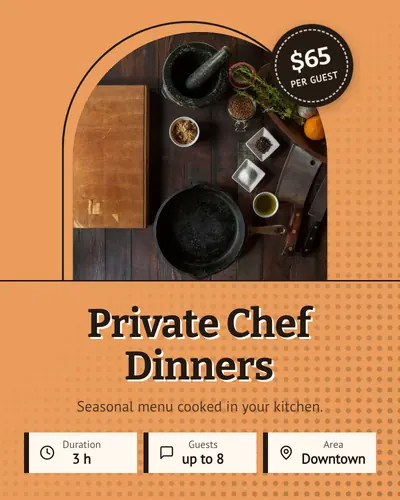
arch-window-02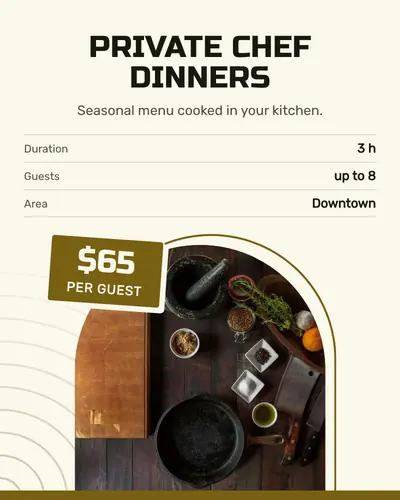
arch-window-03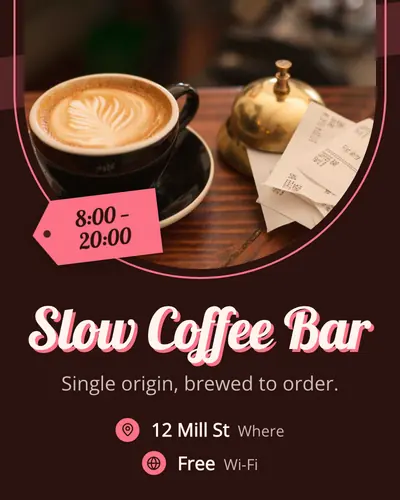
dome-rise-01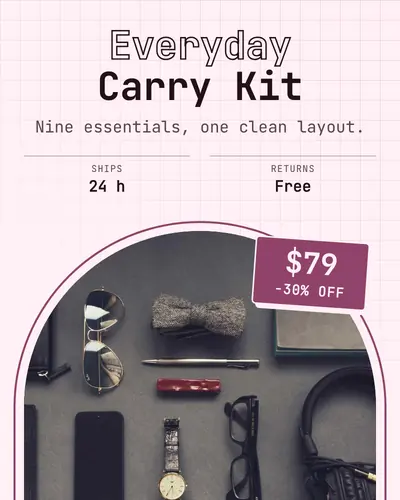
dome-rise-02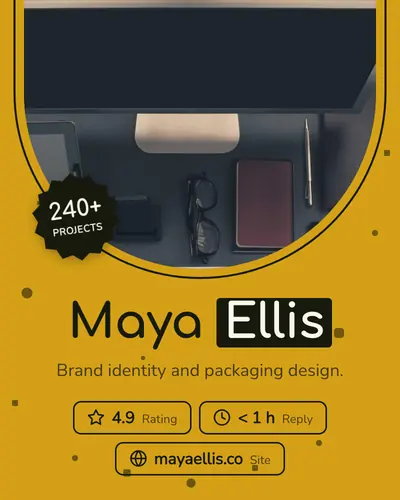
dome-rise-03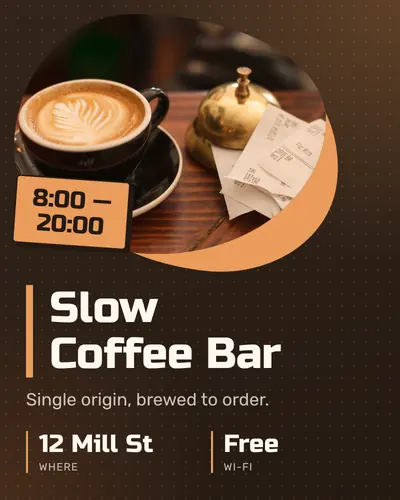
blob-mask-01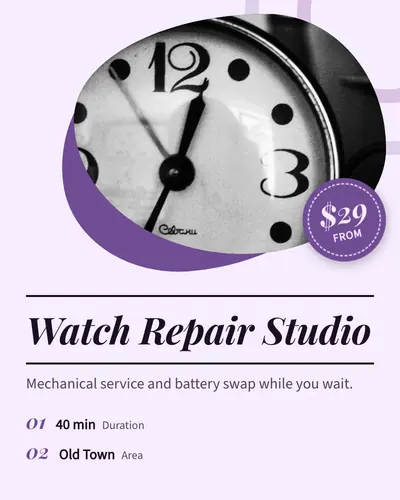
blob-mask-02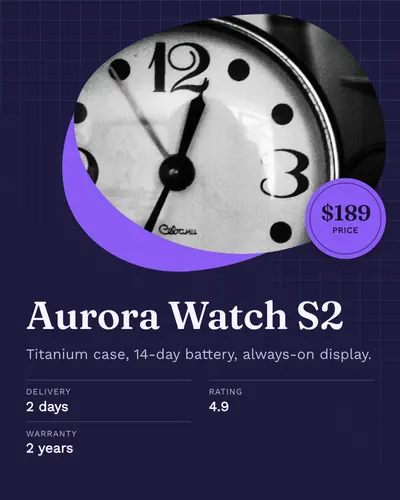
blob-mask-03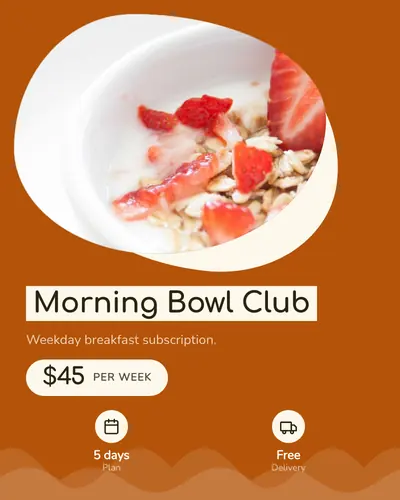
blob-mask-04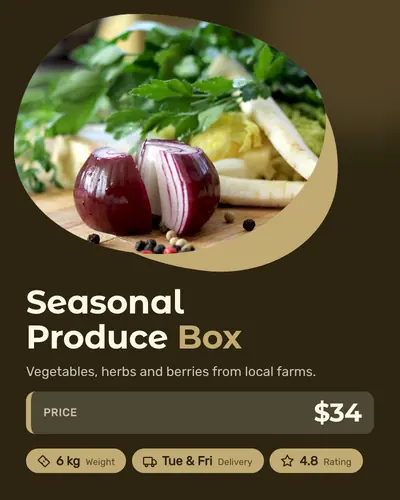
blob-mask-05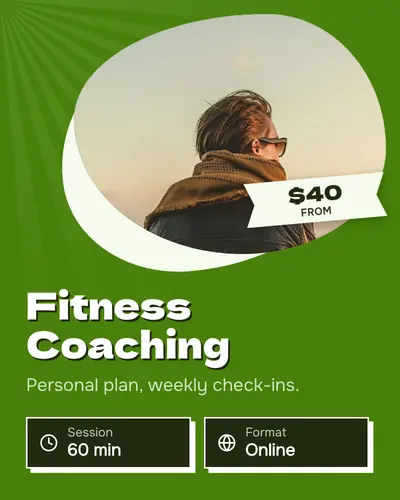
blob-mask-06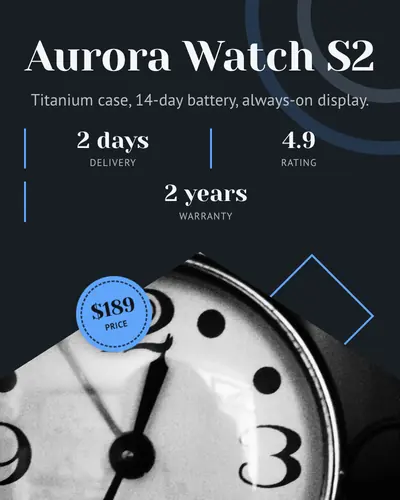
diamond-edge-01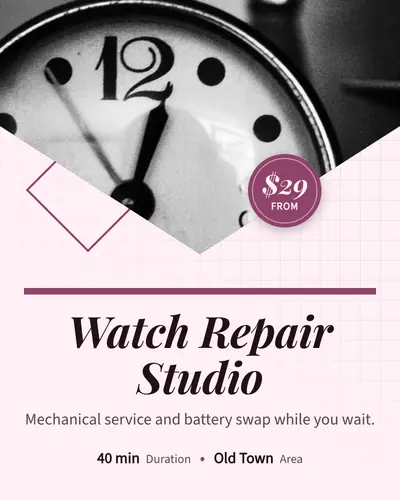
diamond-edge-02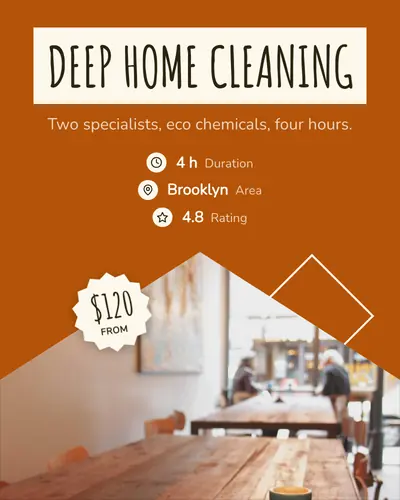
diamond-edge-03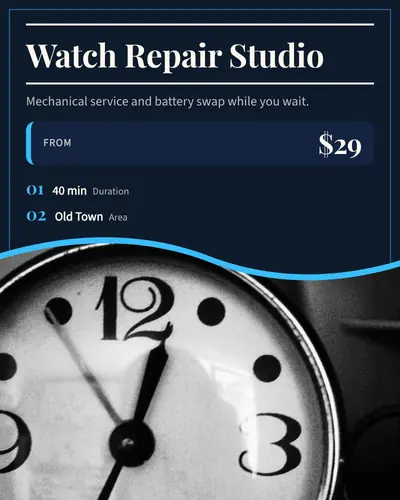
wave-split-01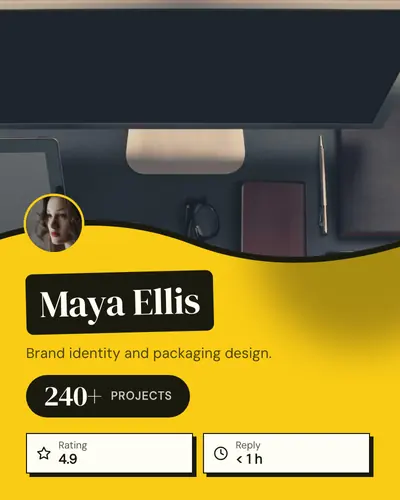
wave-split-02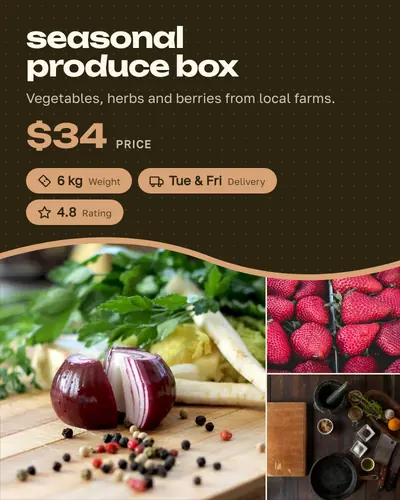
wave-split-03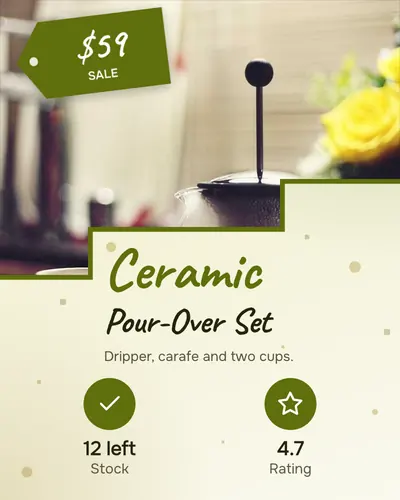
stair-split-01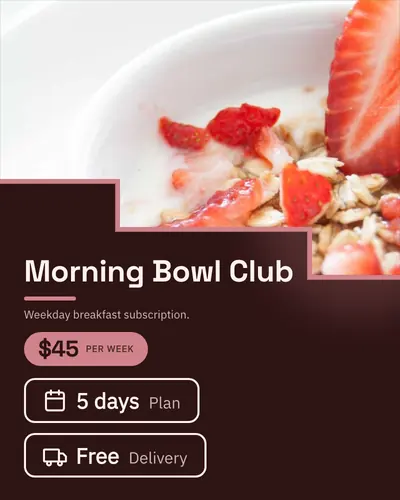
stair-split-02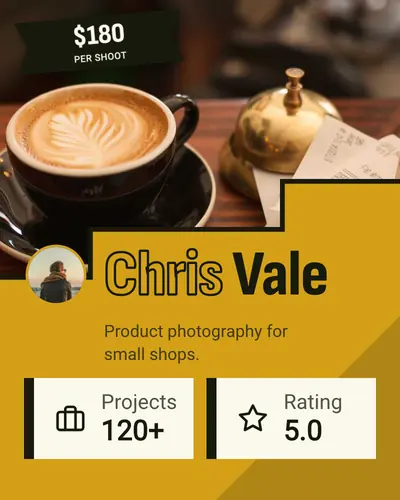
stair-split-03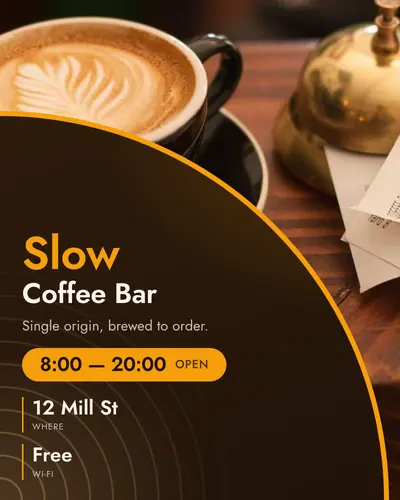
corner-fold-01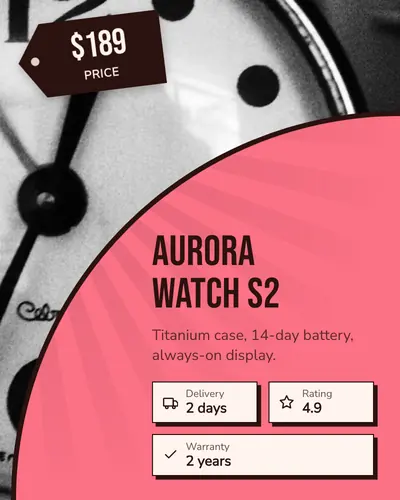
corner-fold-02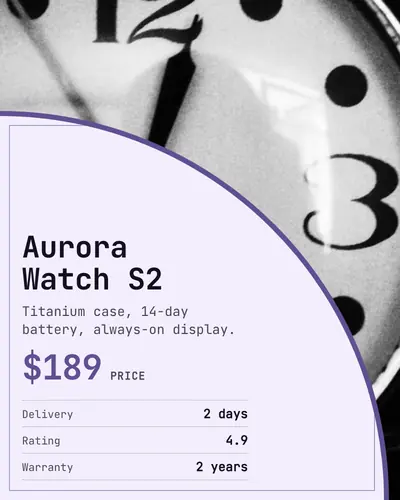
corner-fold-03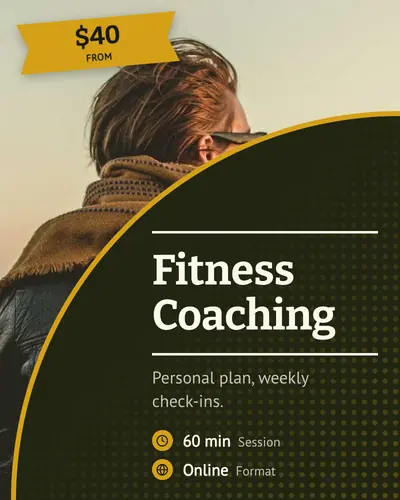
corner-fold-04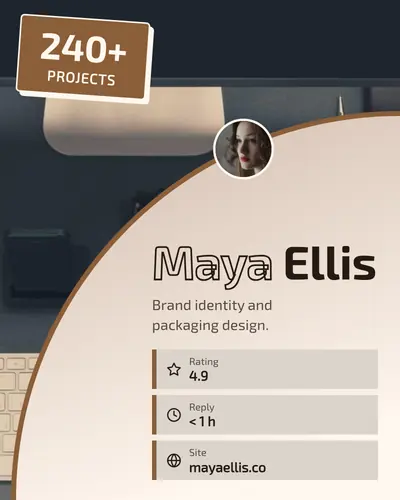
corner-fold-05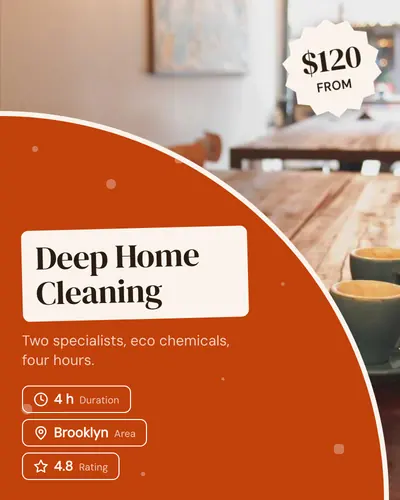
corner-fold-06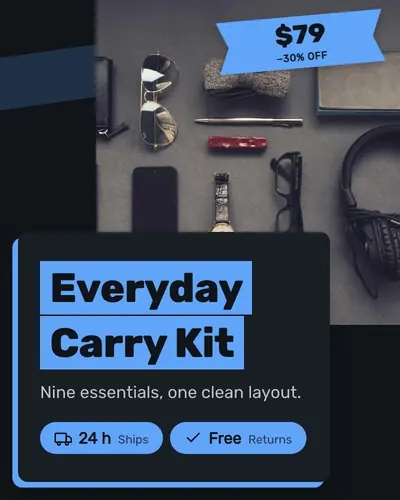
overlap-card-01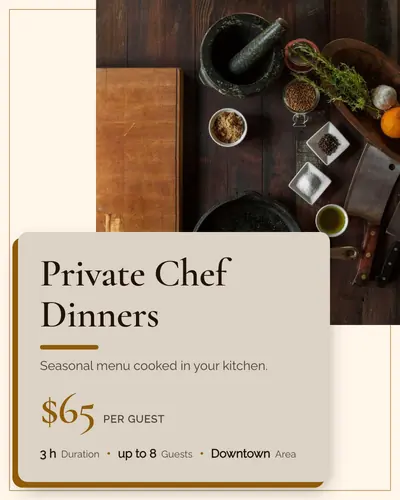
overlap-card-02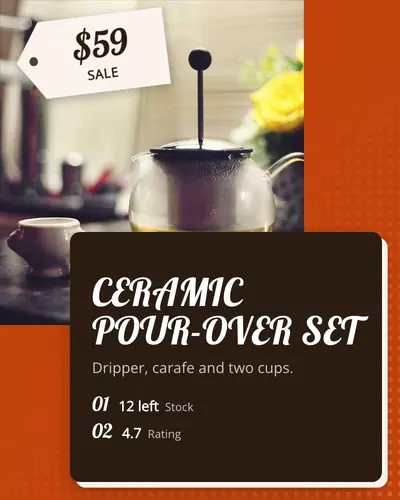
overlap-card-03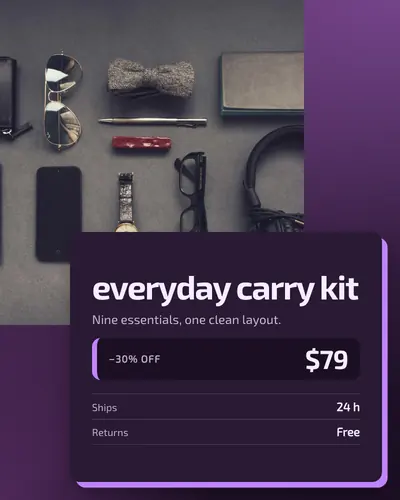
overlap-card-04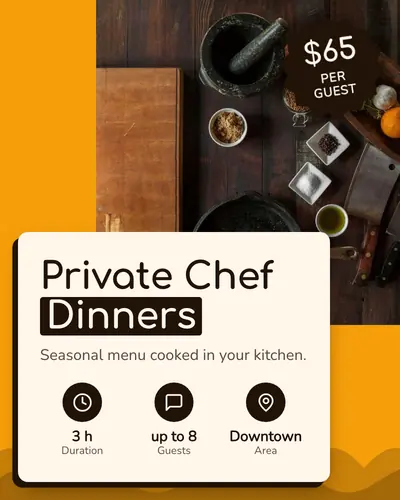
overlap-card-05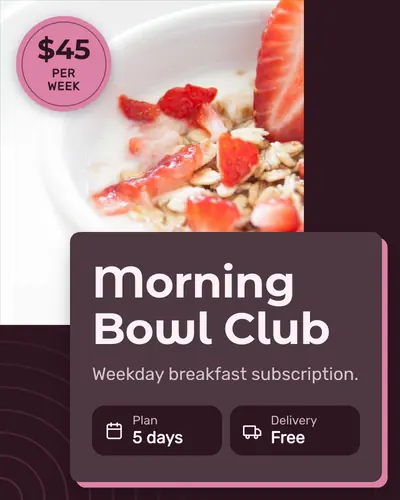
overlap-card-06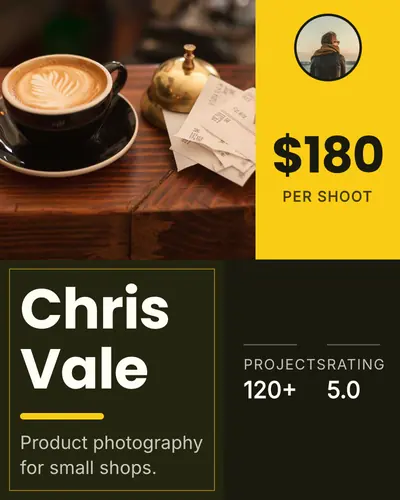
color-blocks-01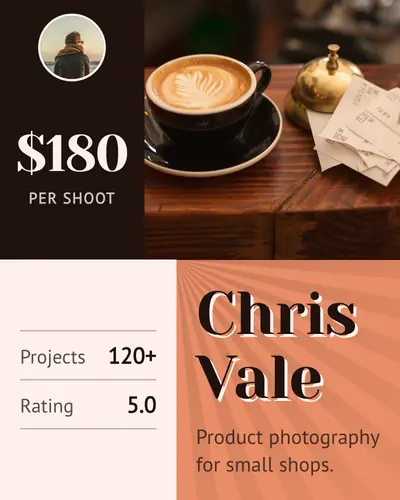
color-blocks-02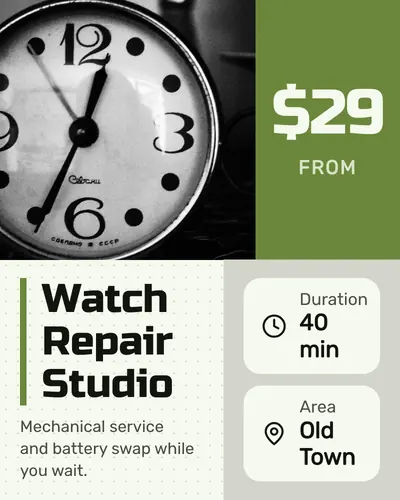
color-blocks-03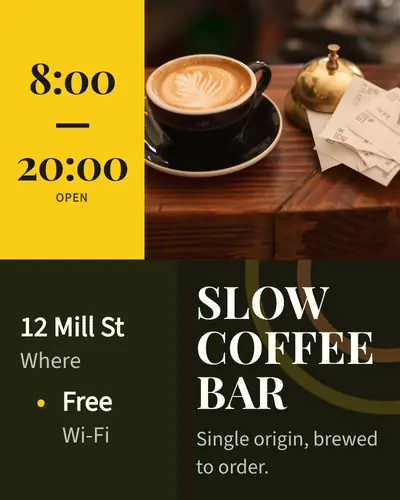
color-blocks-04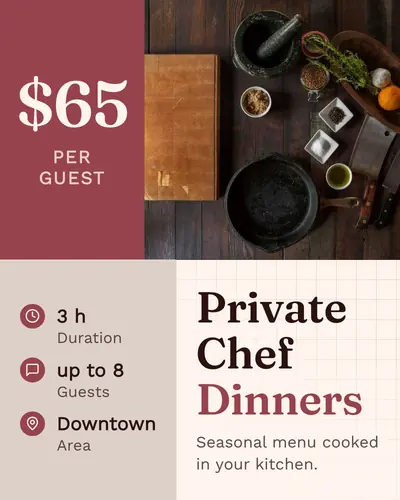
color-blocks-05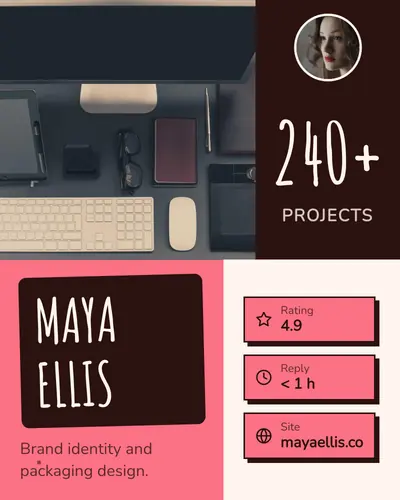
color-blocks-06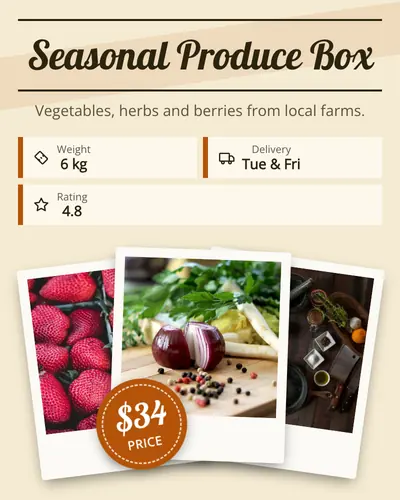
stacked-polaroids-01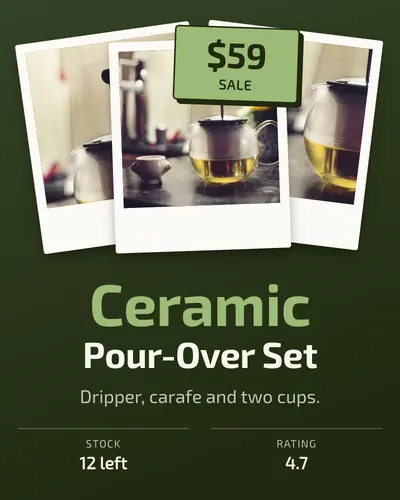
stacked-polaroids-02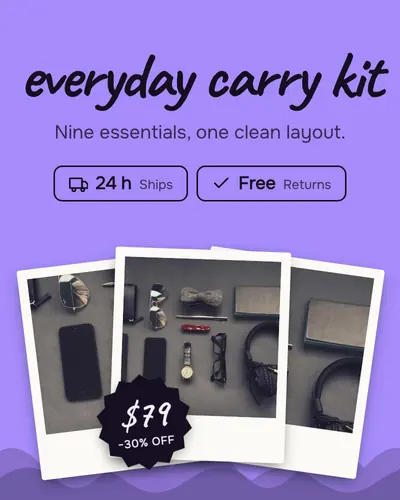
stacked-polaroids-03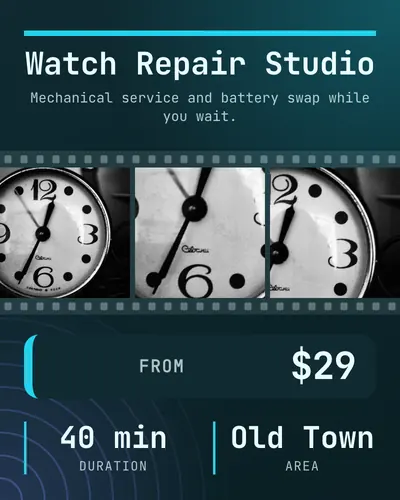
filmstrip-01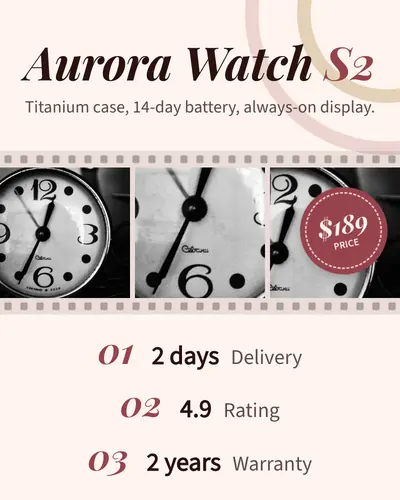
filmstrip-02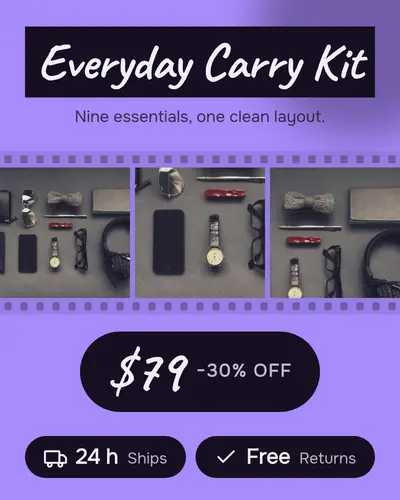
filmstrip-03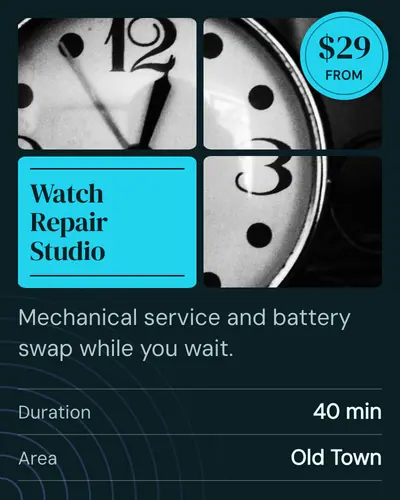
window-panes-01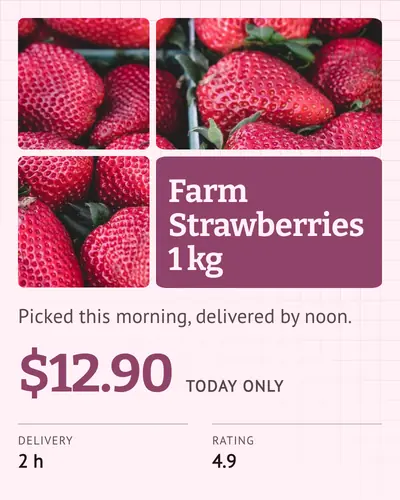
window-panes-02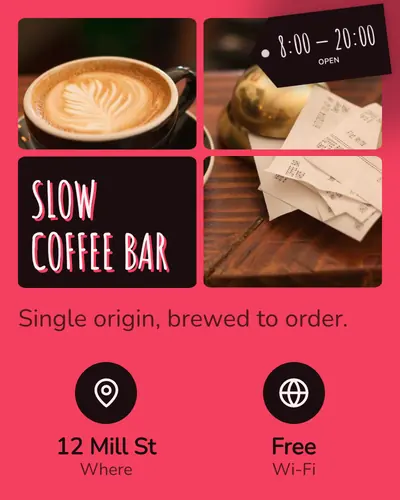
window-panes-03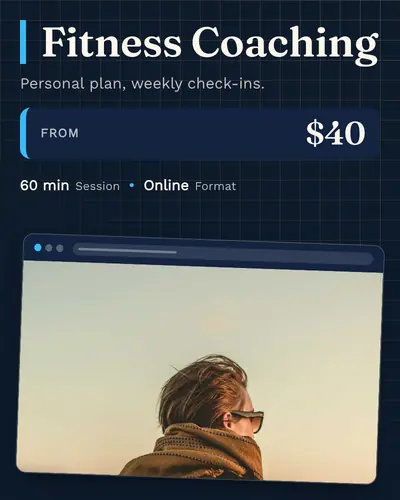
browser-window-01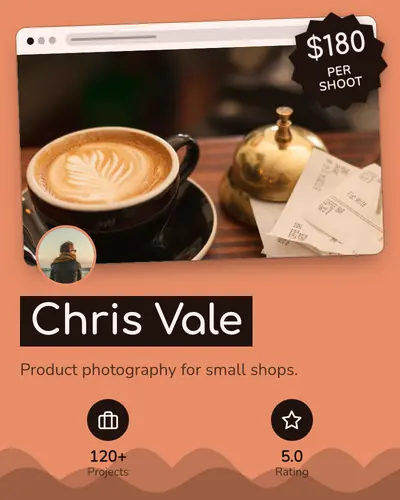
browser-window-02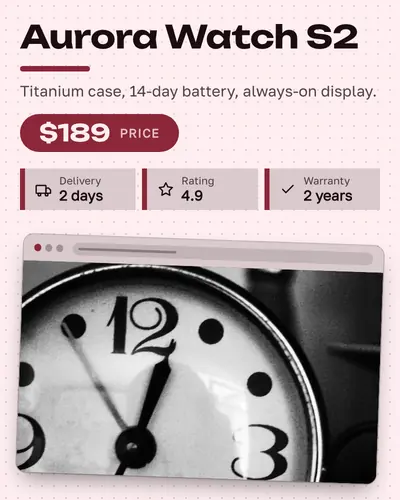
browser-window-03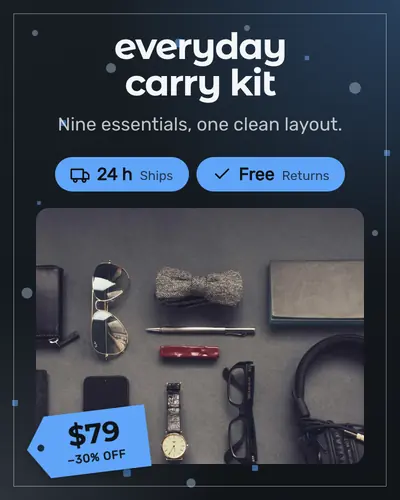
gallery-mat-01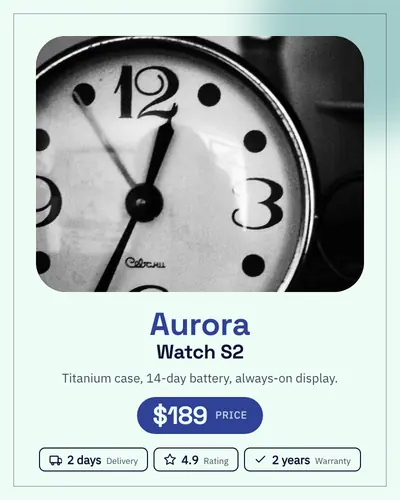
gallery-mat-02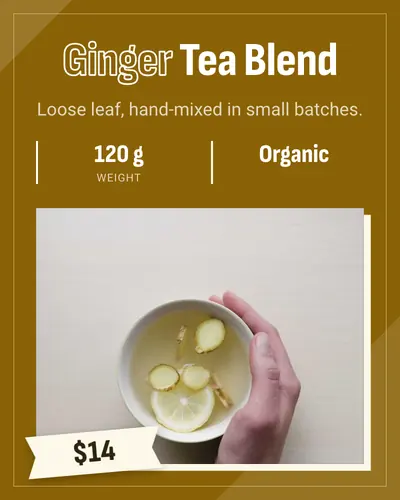
gallery-mat-03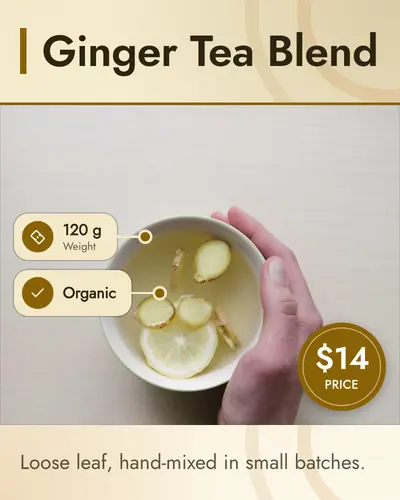
side-callouts-01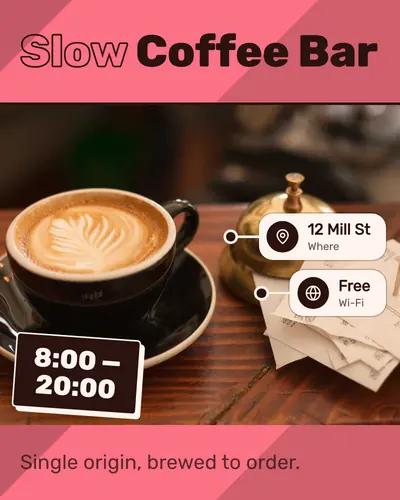
side-callouts-02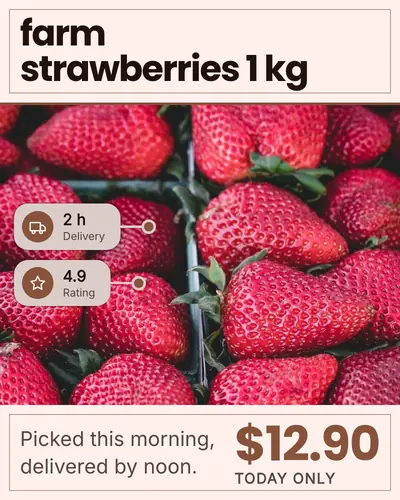
side-callouts-03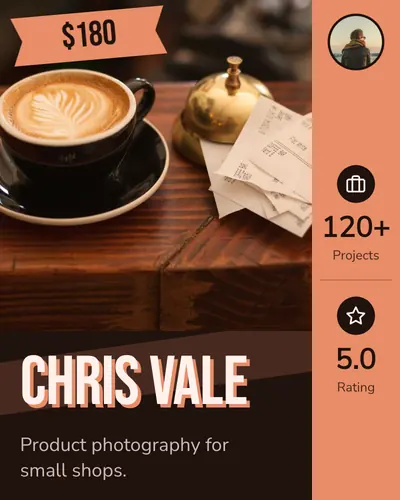
left-rail-01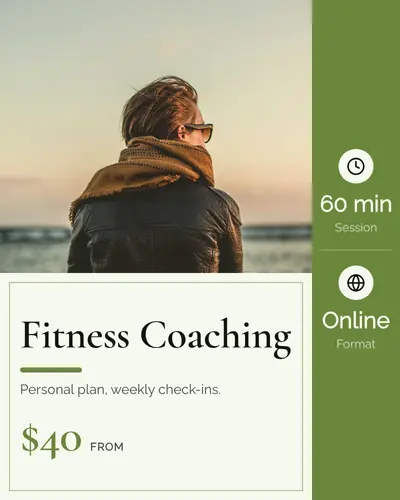
left-rail-02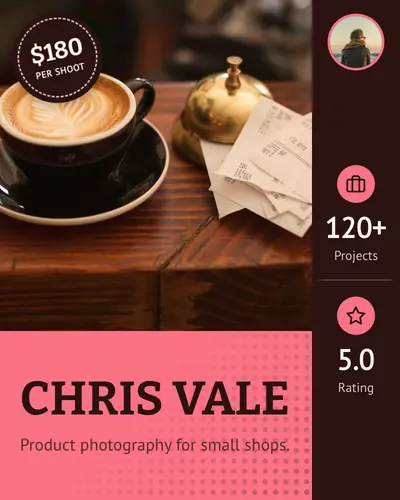
left-rail-03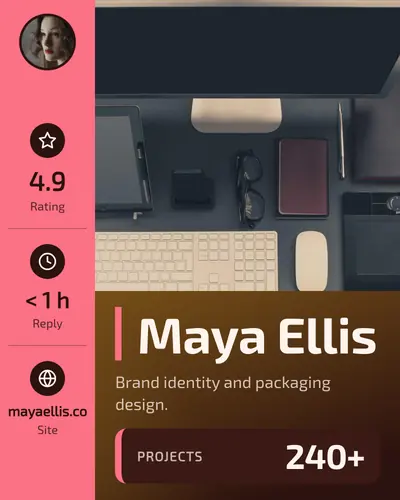
left-rail-04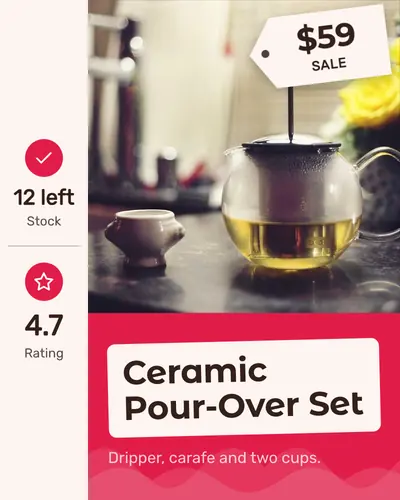
left-rail-05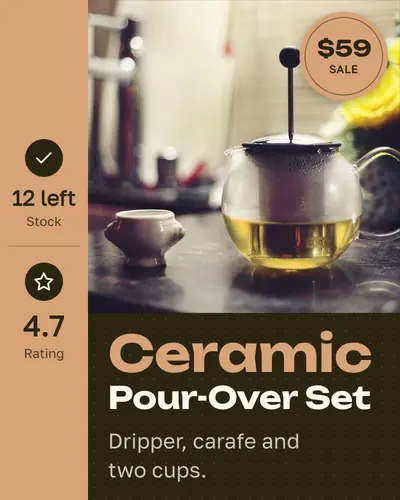
left-rail-06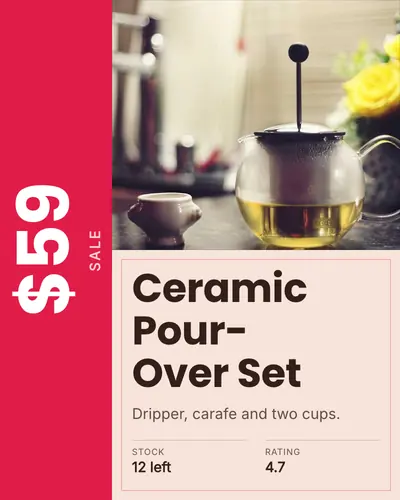
price-rail-01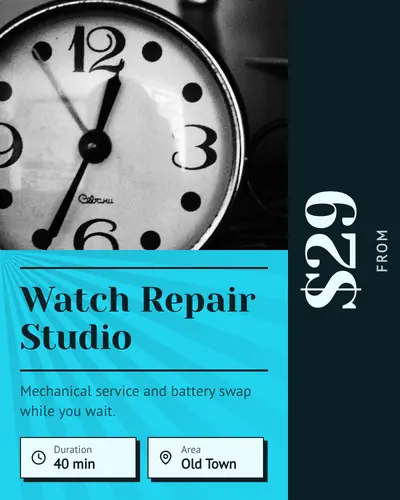
price-rail-02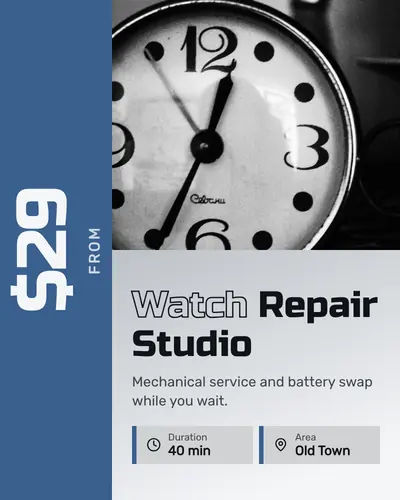
price-rail-03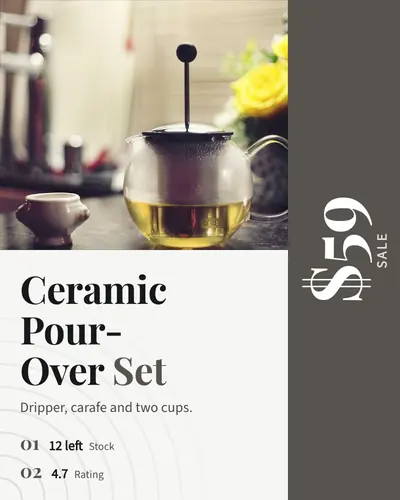
price-rail-04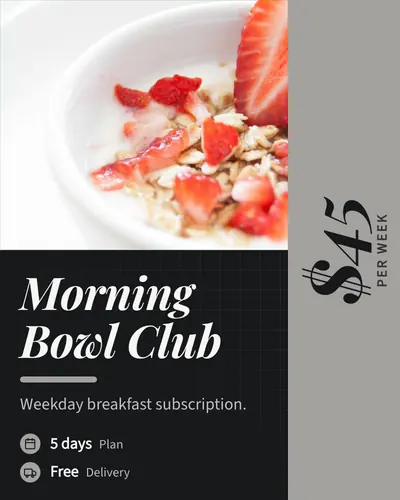
price-rail-05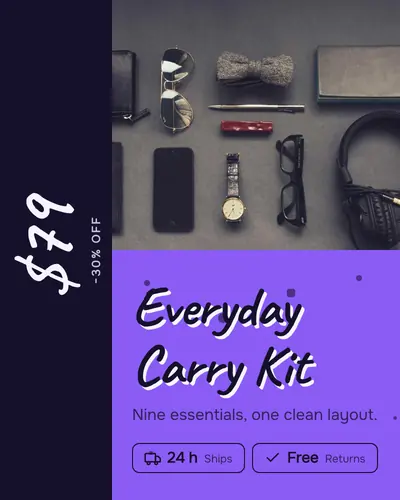
price-rail-06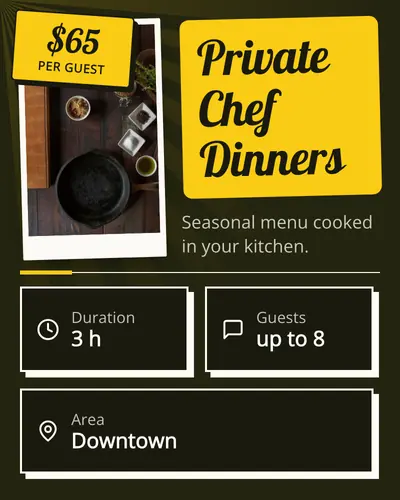
spec-sheet-01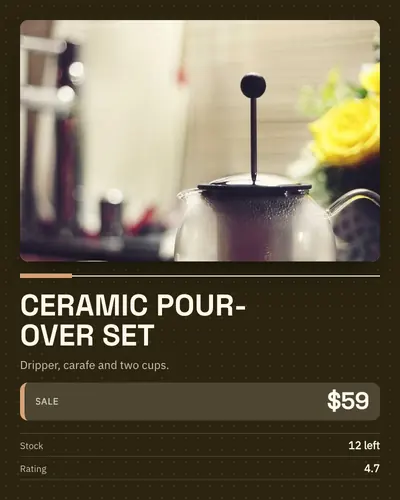
spec-sheet-02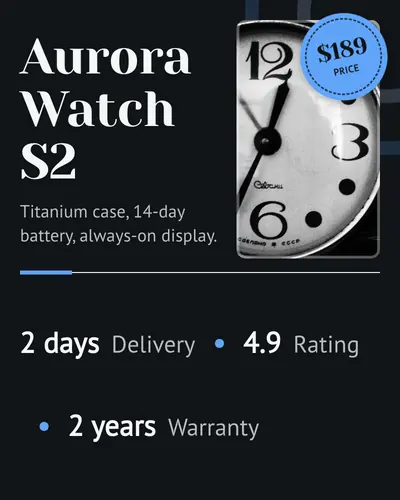
spec-sheet-03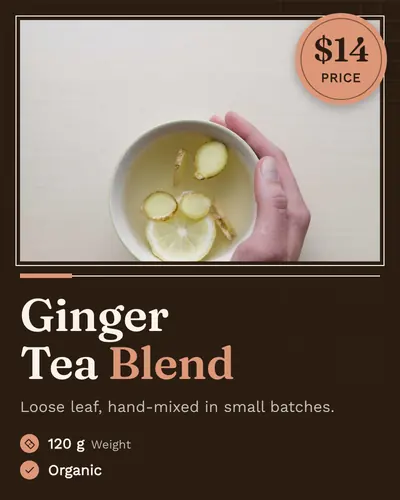
spec-sheet-04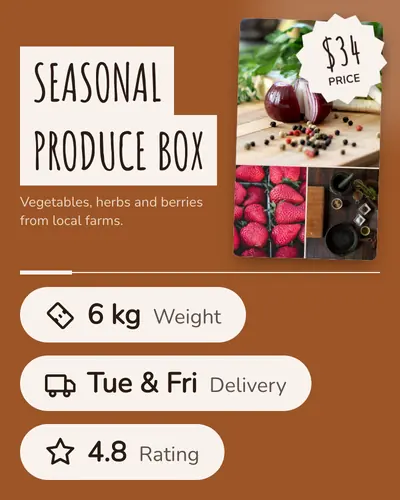
spec-sheet-05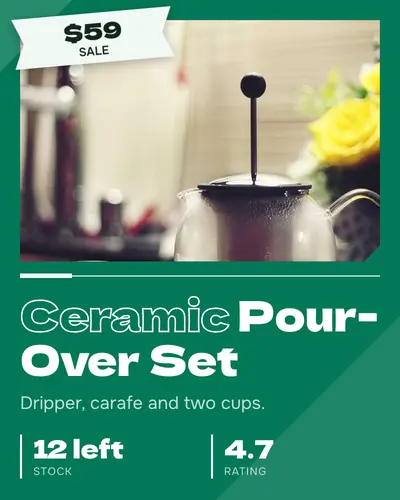
spec-sheet-06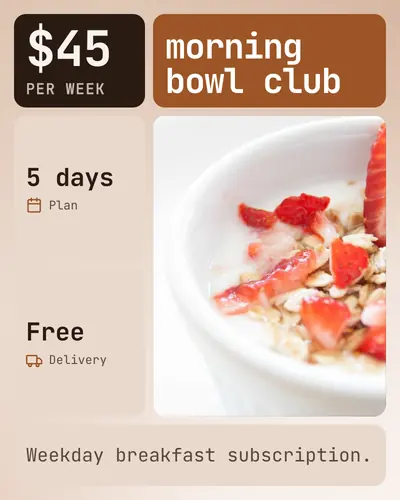
bento-grid-01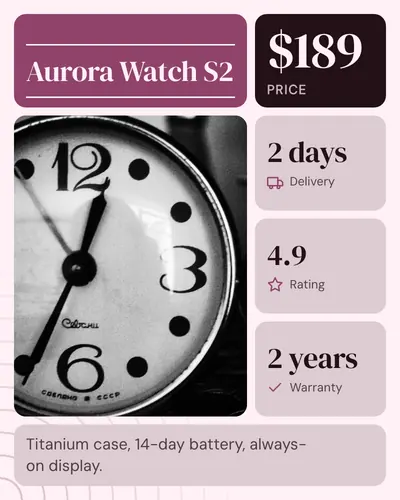
bento-grid-02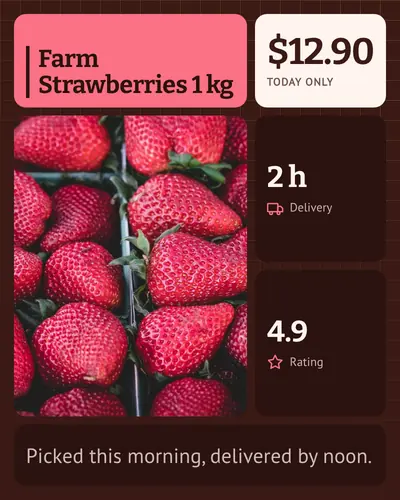
bento-grid-03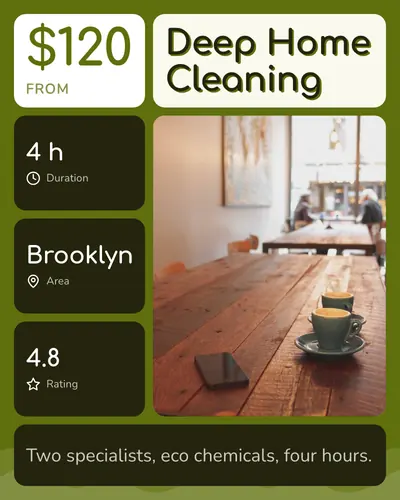
bento-grid-04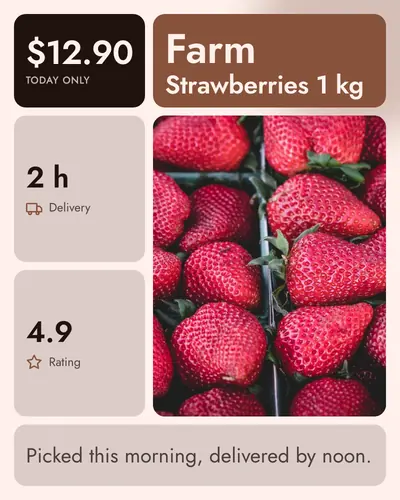
bento-grid-05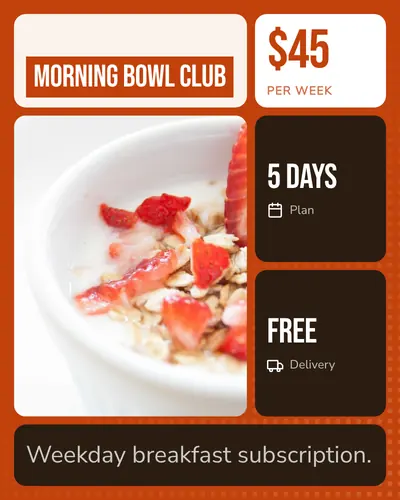
bento-grid-06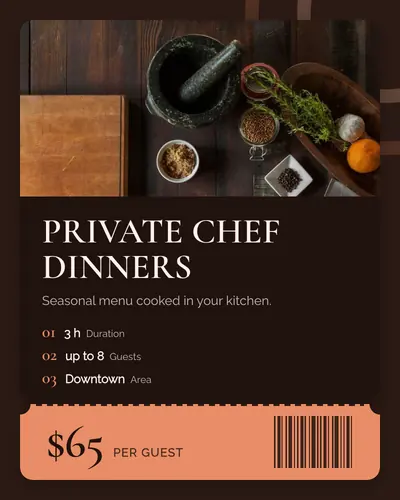
ticket-01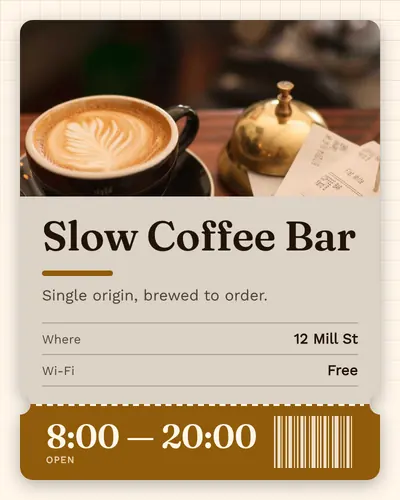
ticket-02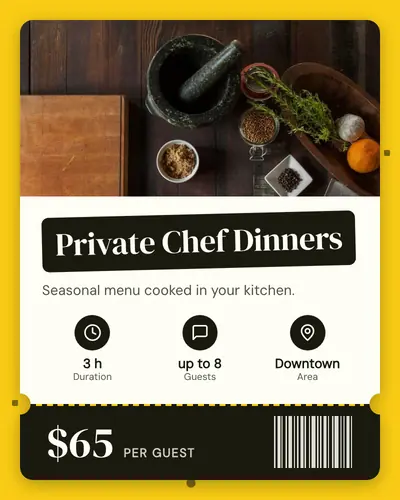
ticket-03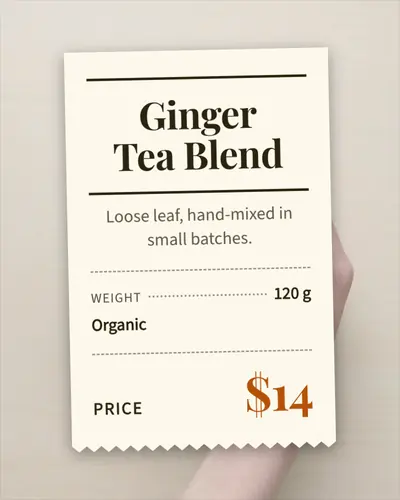
receipt-01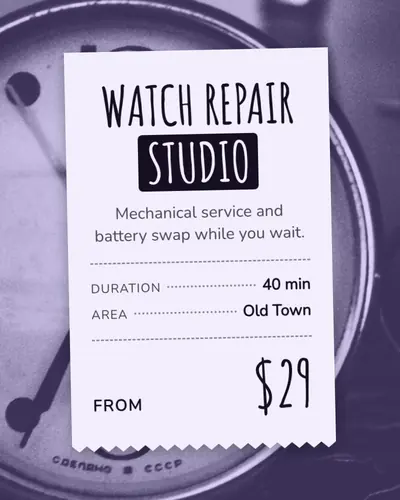
receipt-02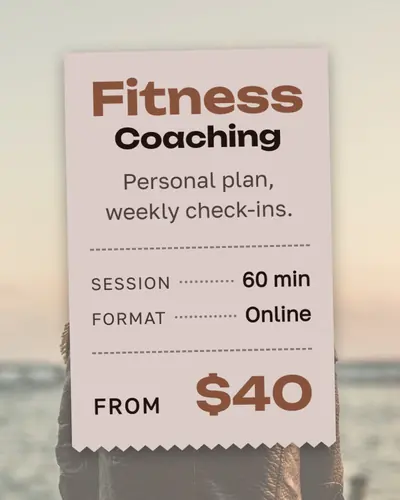
receipt-03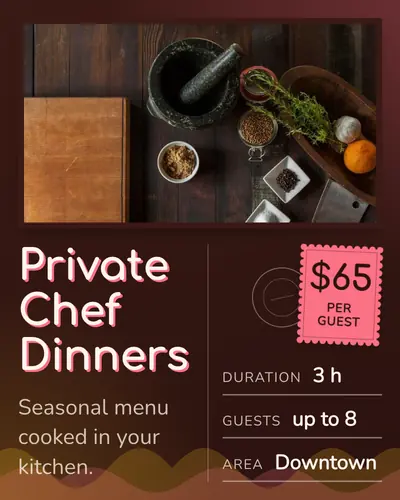
postcard-01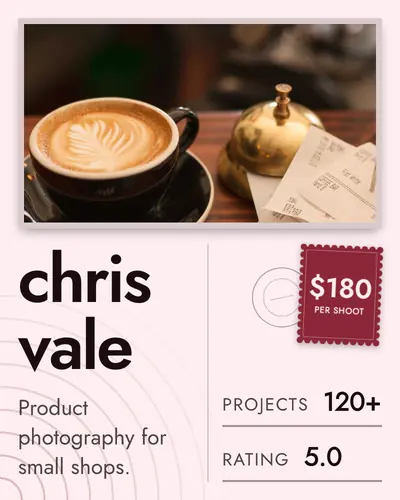
postcard-02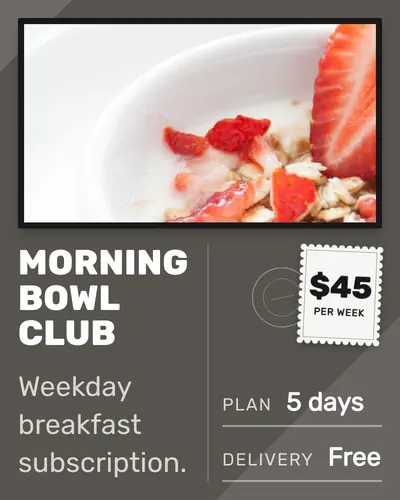
postcard-03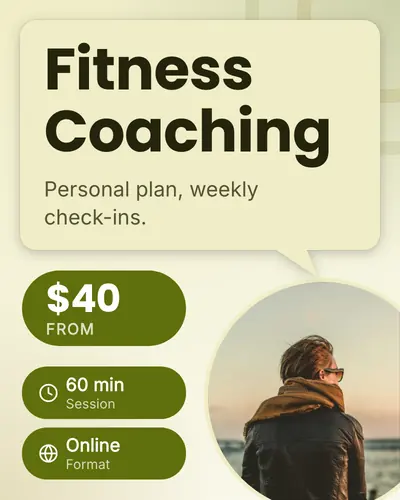
speech-bubble-01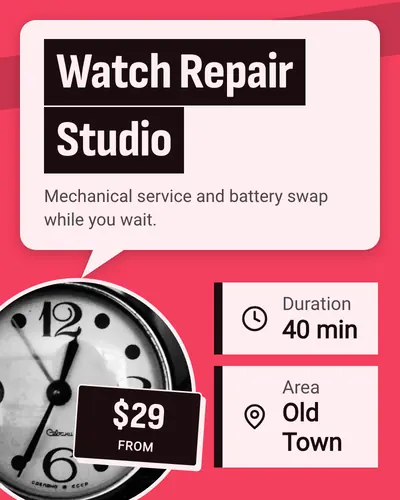
speech-bubble-02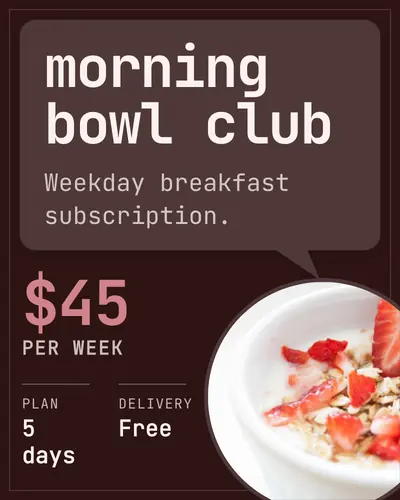
speech-bubble-03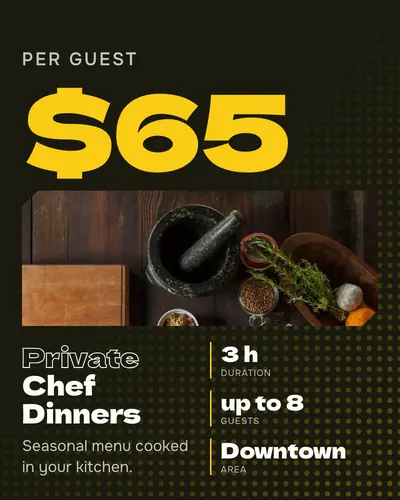
big-number-01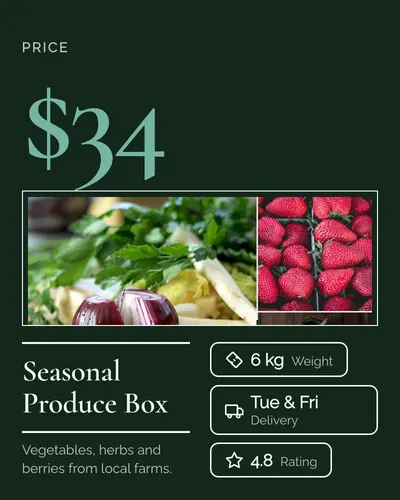
big-number-02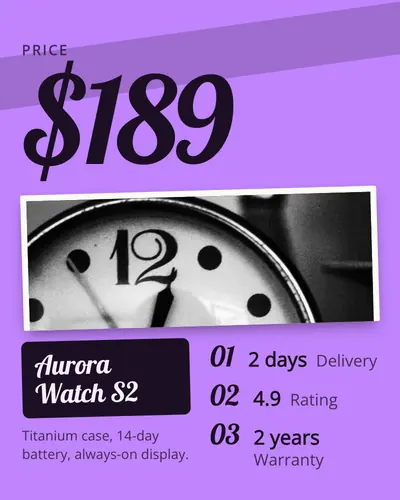
big-number-03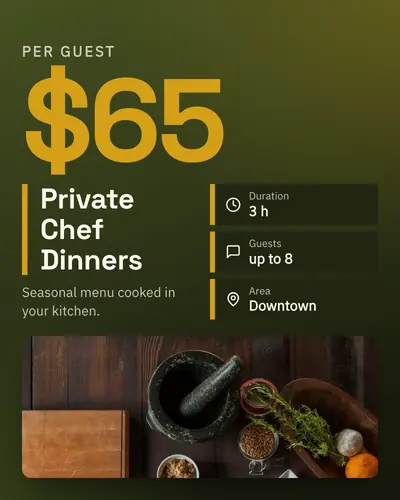
big-number-04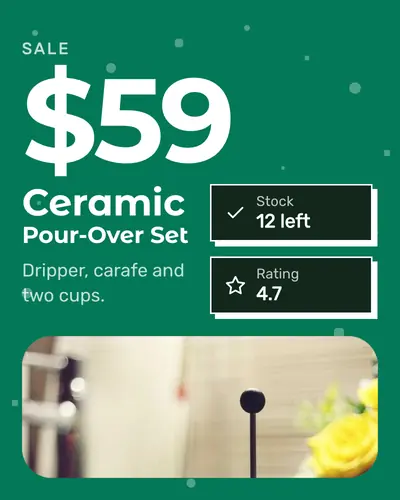
big-number-05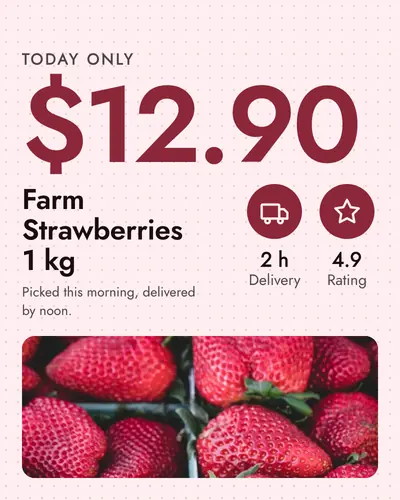
big-number-06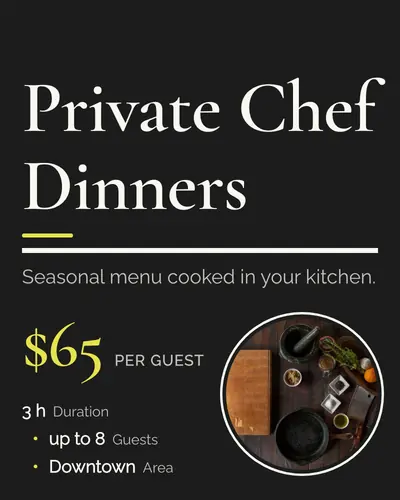
headline-poster-01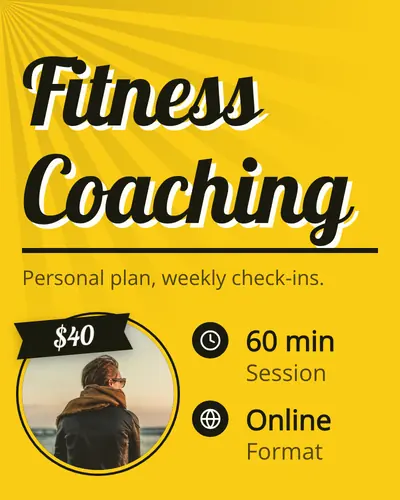
headline-poster-02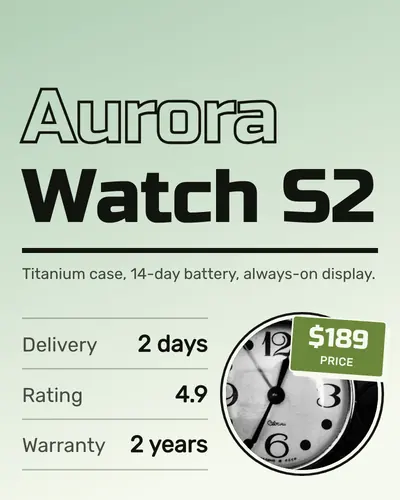
headline-poster-03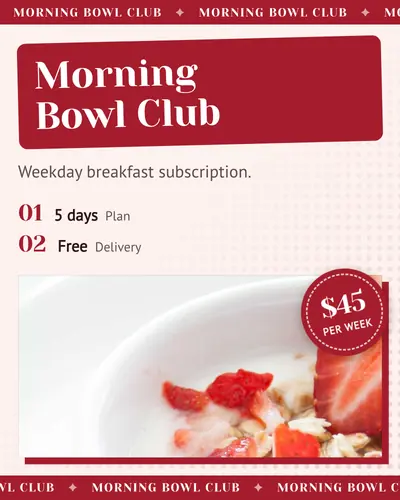
ticker-tape-01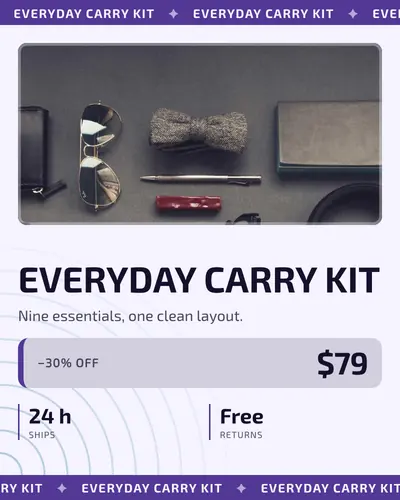
ticker-tape-02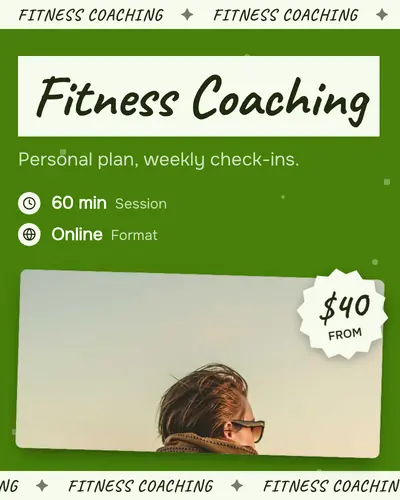
ticker-tape-03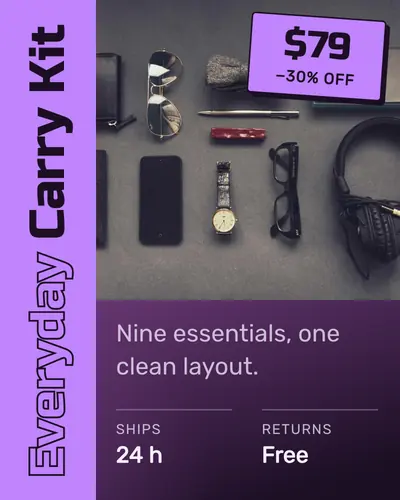
vertical-title-01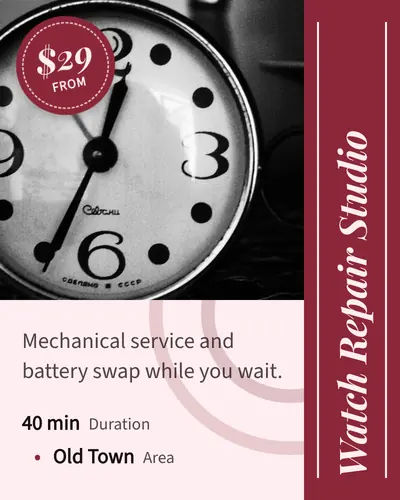
vertical-title-02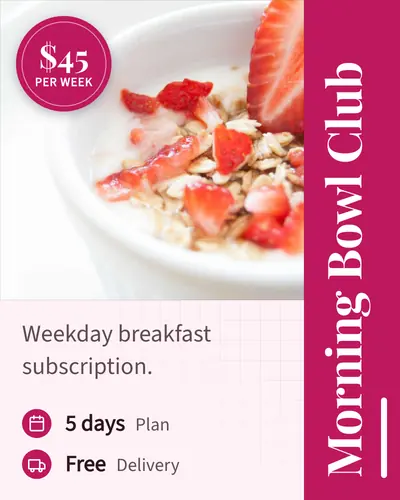
vertical-title-03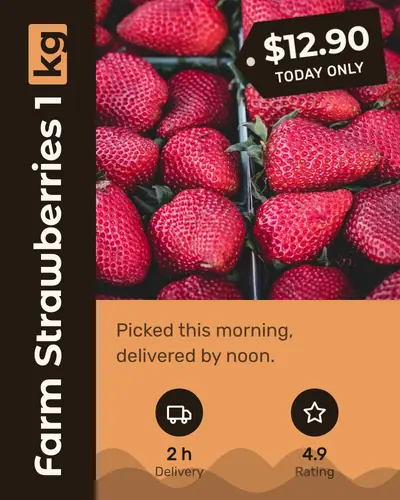
vertical-title-04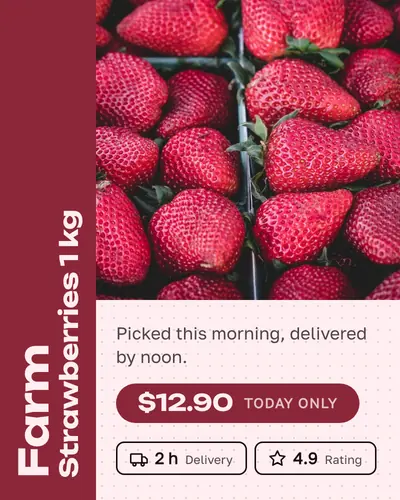
vertical-title-05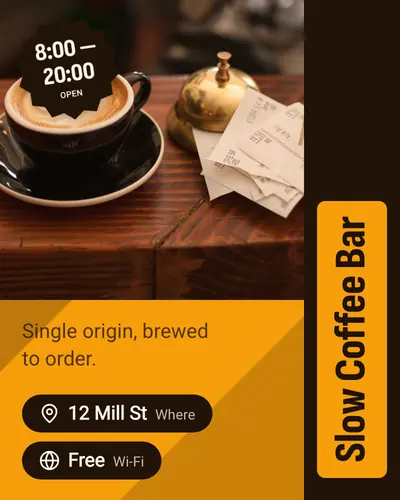
vertical-title-06How to use a design
- In the app: open the card form and pick a design from the list — or leave it on Auto, and your brand key will always land on the same one.
- By API: pass the key as design in the request body. Without it, the design is derived from seller_id, so each seller keeps one consistent look across all their cards.
- Colours are independent. The previews show one palette each; the same design renders in any of the palettes, matched to your photo by default.
- “Recommended for” is a hint, not a rule: a design recommended for products renders a service or a freelancer profile just as well. Text is fitted to the layout automatically, so long titles and many attributes are fine.
Make a card in one of these designs
Sign in, add a title, a tagline and a photo — and pick a design, or let your brand key choose.